The challenge
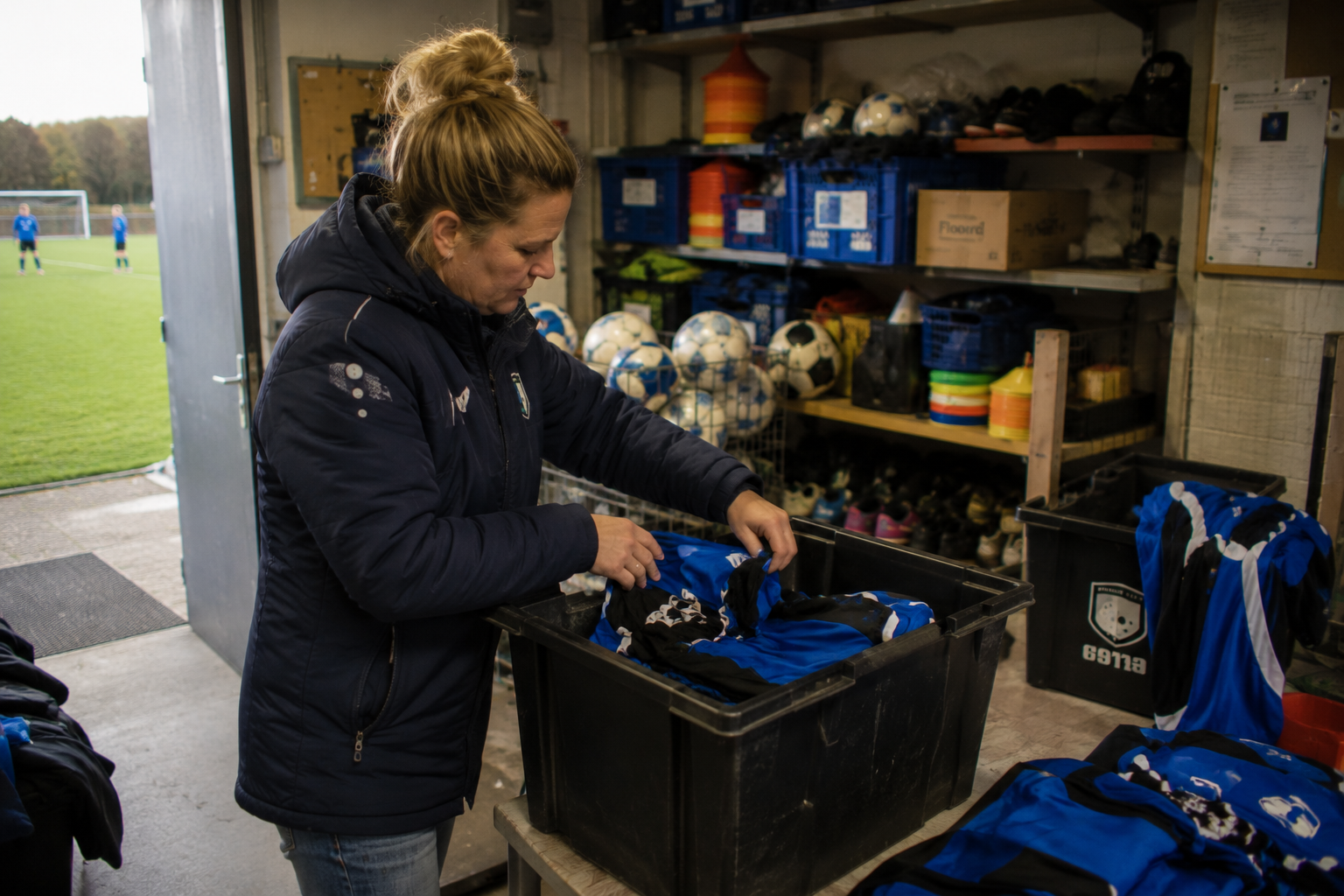
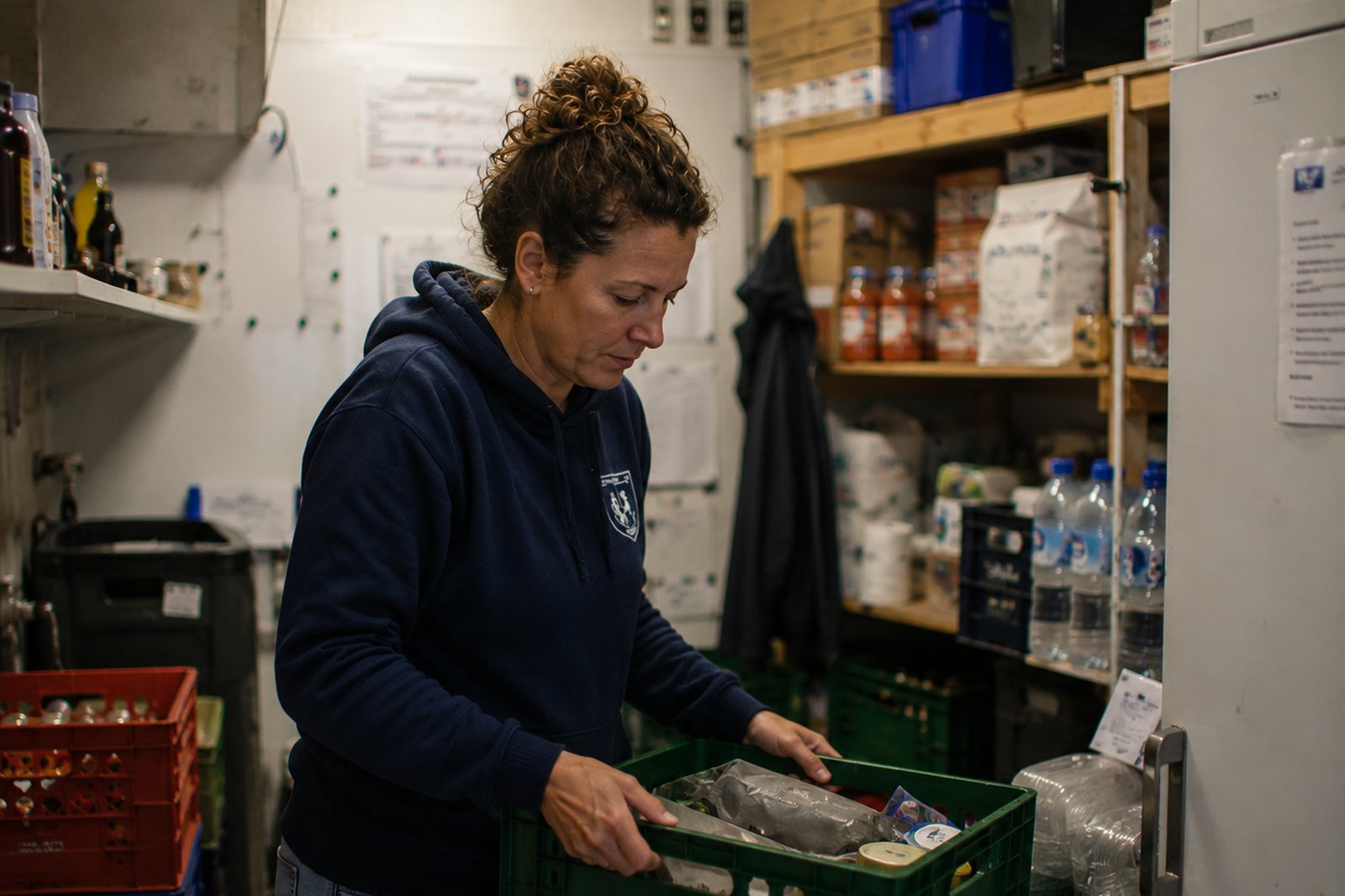
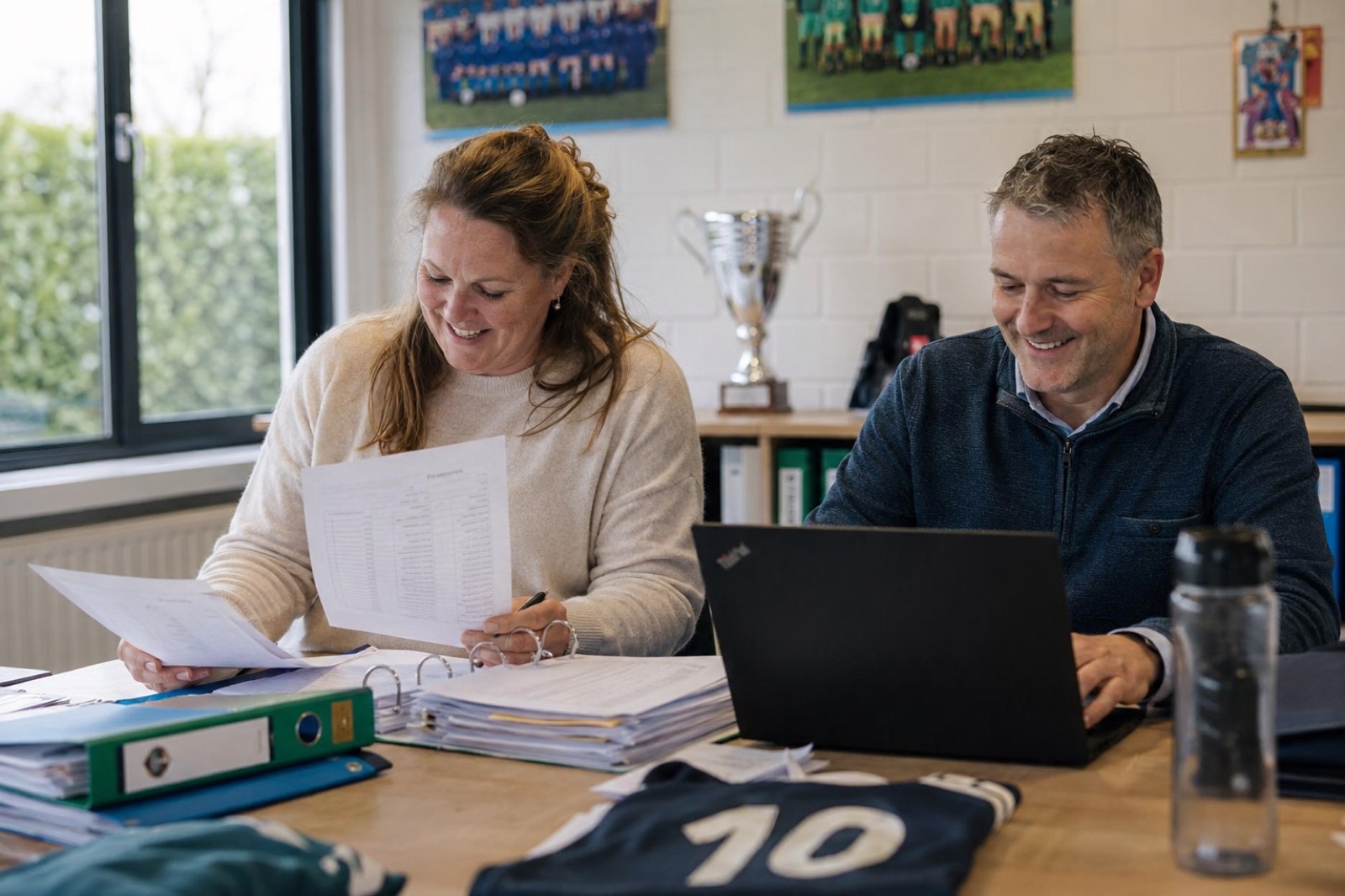
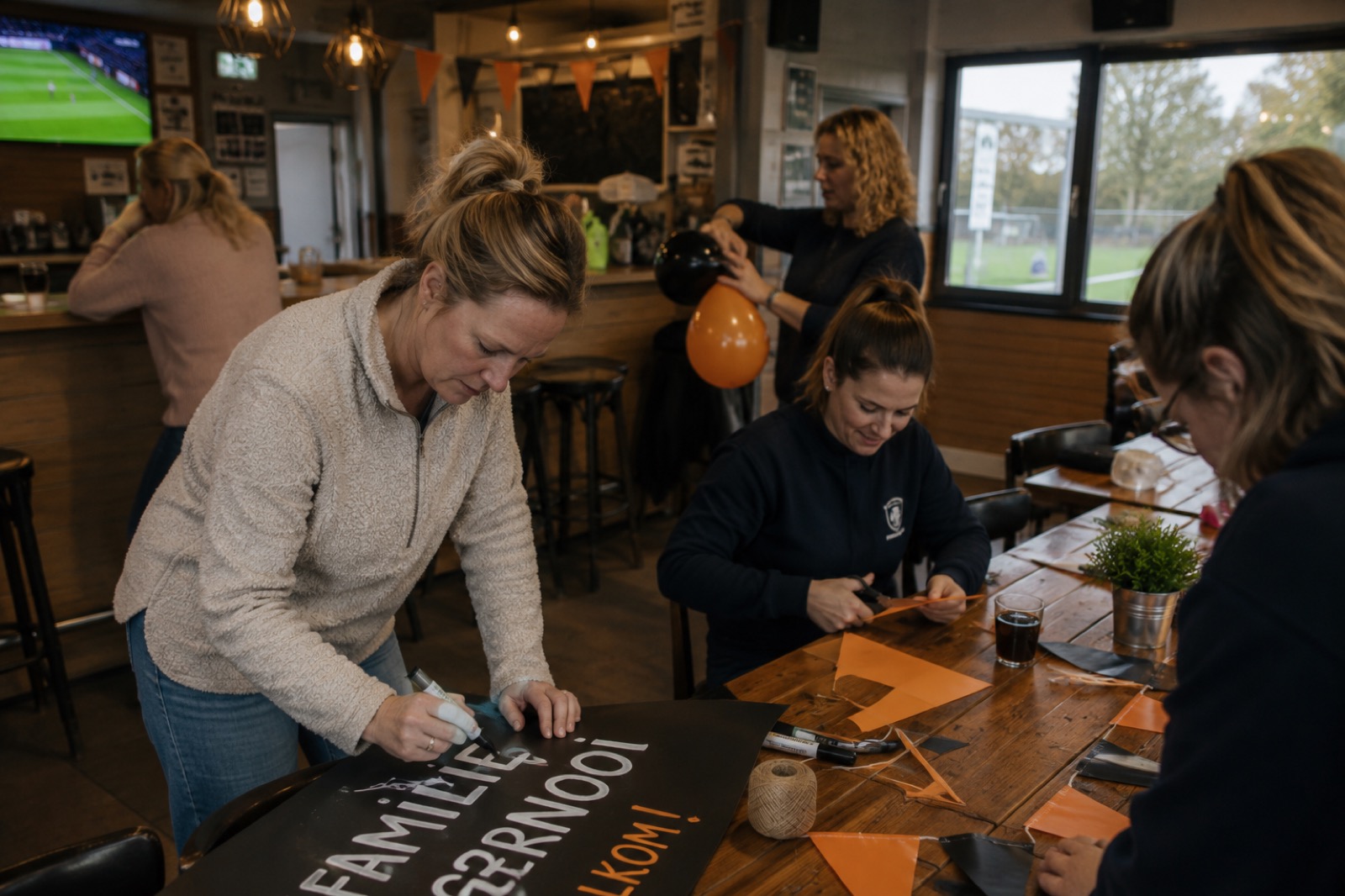
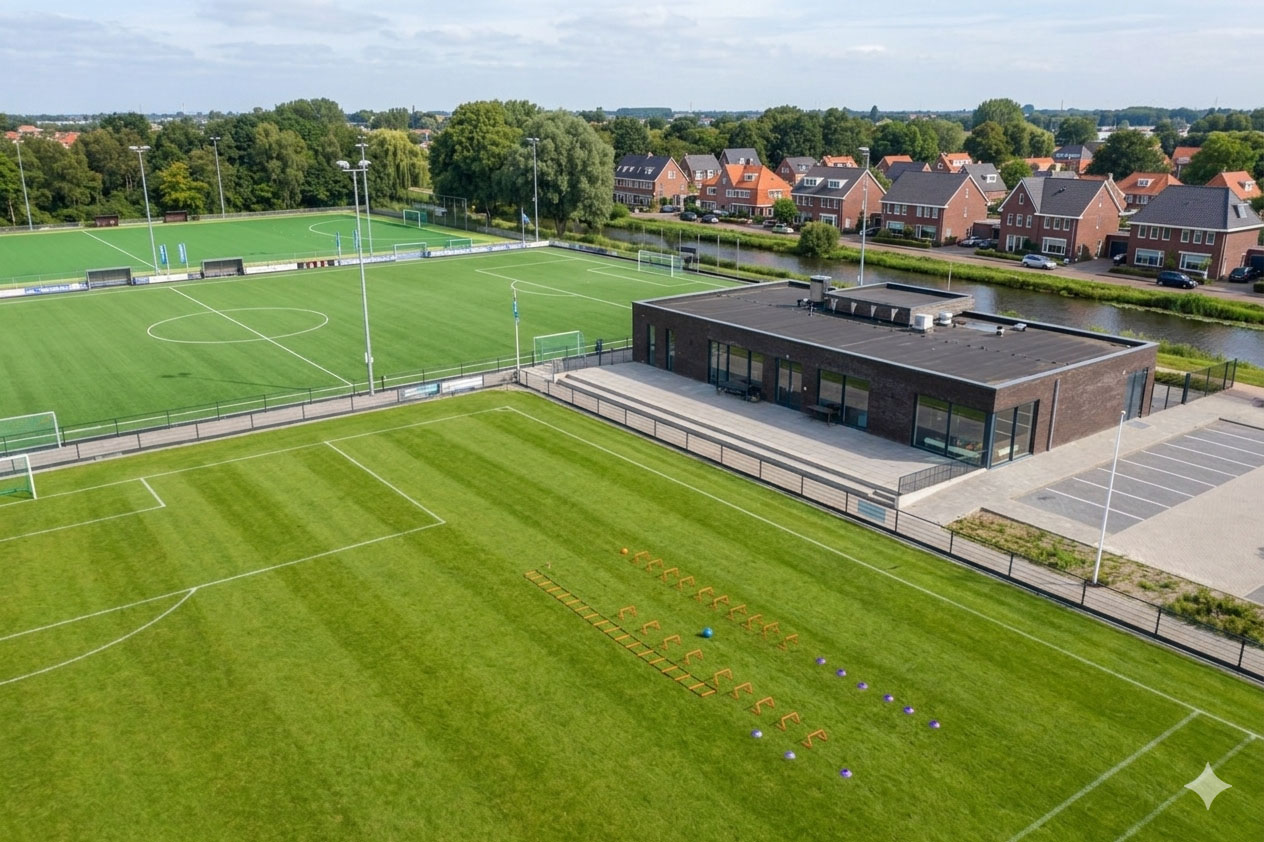
A large amateur football club runs on volunteers. A regular group stands behind the bar every week. On top of that, each team provides people for a shift a few times a season: the kiosk, tidying up after the matches, an extra pair of hands at a tournament. And within each team, someone has to bring fruit, run the line and drive to the away match.
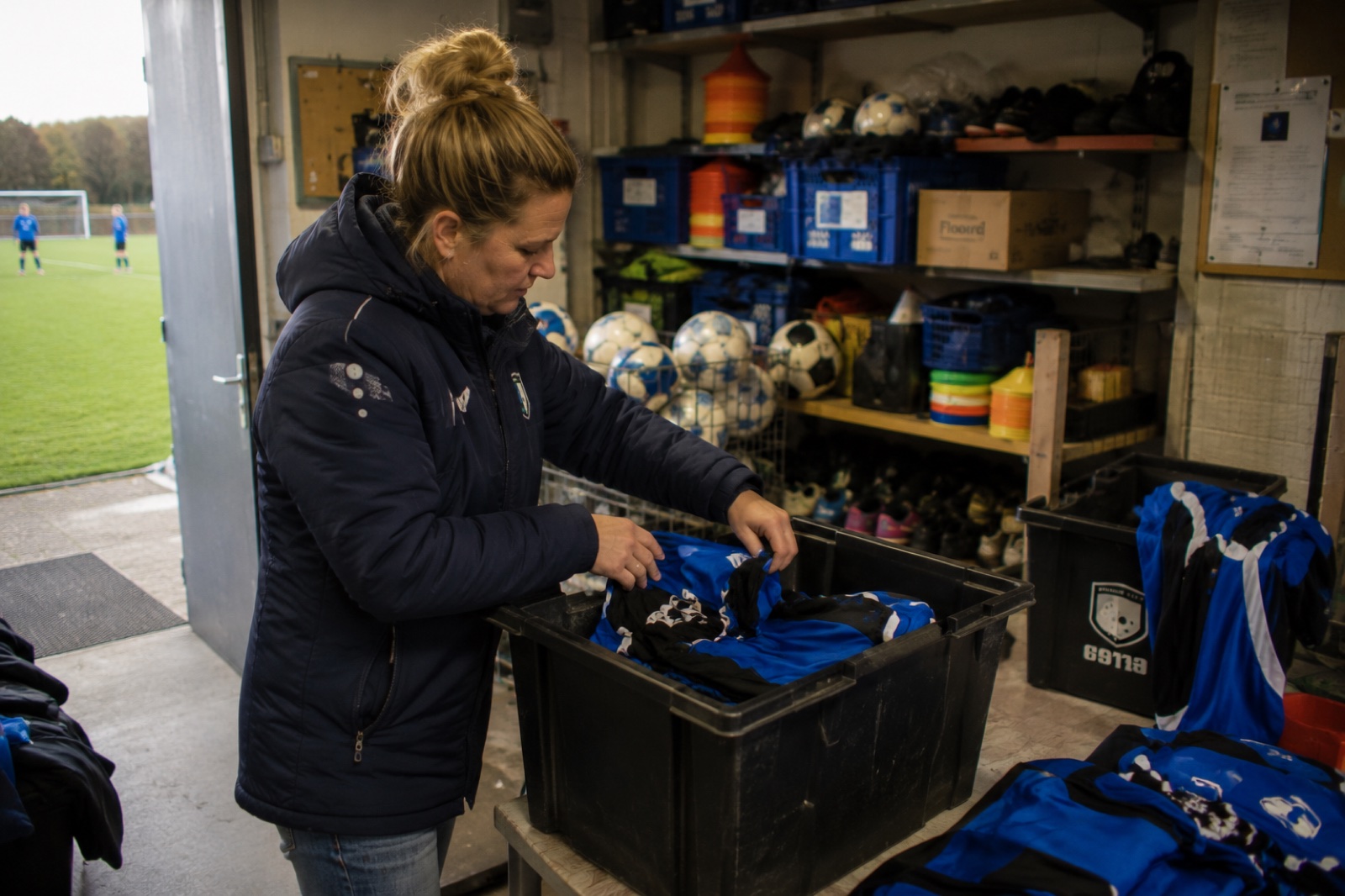
The clubhouse shift planner struggled mainly with the regular volunteers. Everyone has their own preferences. One person can do one Tuesday a month, another only works when the first team plays at home. You want to schedule those people yourself, and they need to get the message themselves. If every notification goes through the planner or the team manager, the volunteer hears nothing directly.
Three kinds of work, each in its own place
Clubwize has three kinds of work, each with its own word: actions, tasks and duties. The difference lies in who organises it and who sees it. A task is a shift on the club rota.
Actions
Jobs for the board and committees, such as applying for the tournament permit. They are linked to a role and only appear in Admin. Members don't see them.
Tasks
Shifts for the whole club: bar, kiosk, cleaning, referees. They are on the club rota, with times, number of places and reminders. They count towards the volunteer requirement: the hours or points a member contributes per season, if the club asks for this.
Duties
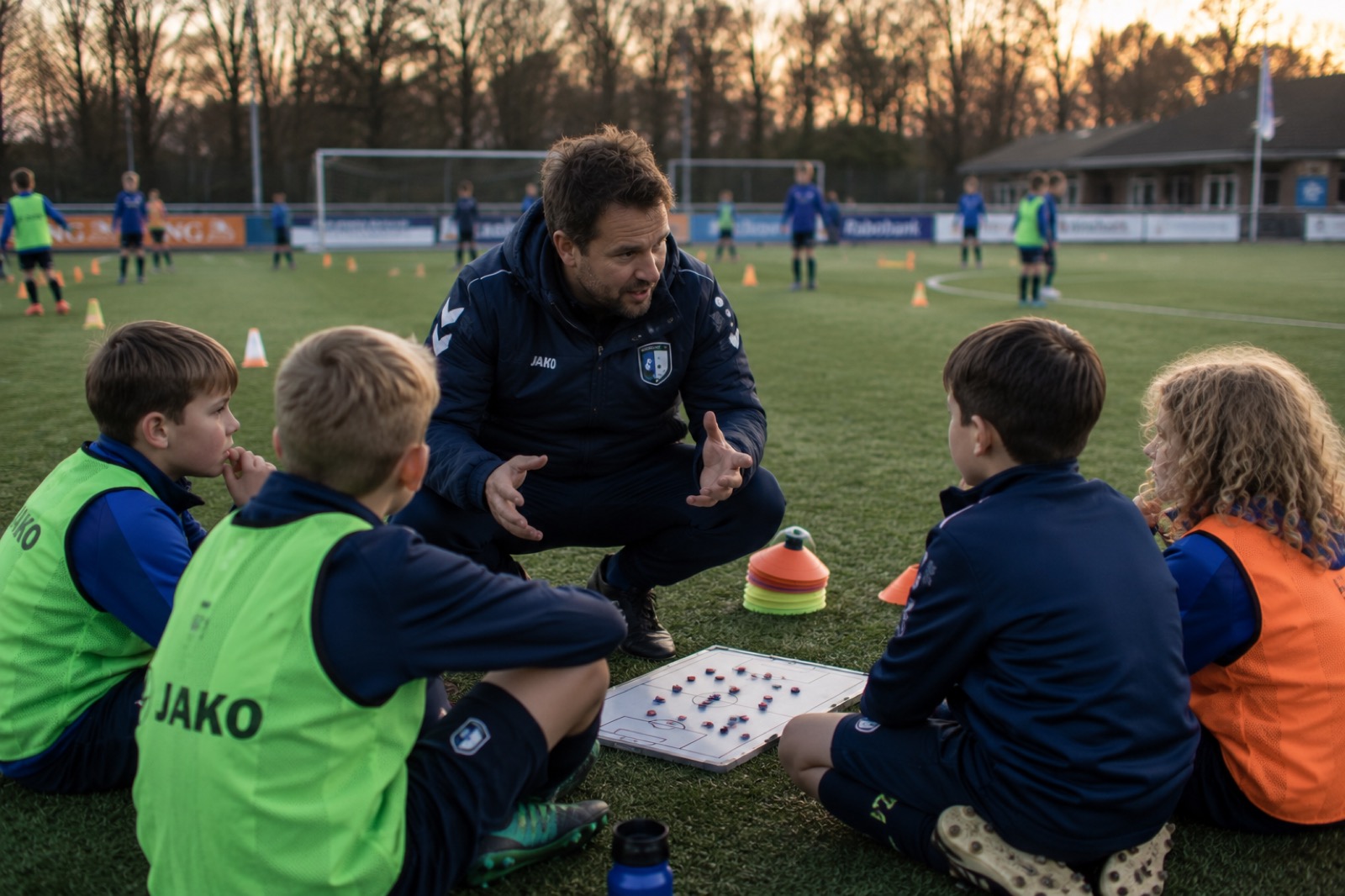
Small jobs within a team around a match: fruit, running the line, driving. The team management organises them. They never appear on the club rota.
The regular core: schedule them yourself
For the bar shifts, the planner creates a template: every Saturday from 13:00 to 19:00, two people. For each template, the planner chooses who works the shift. That can be a fixed person, for someone who always does Tuesday evening. Or the shift rotates fairly within a group, such as the Saturday crew.
In the member portal, volunteers tick the days they're usually available. Anyone who only ticks Tuesday goes to the back of the queue when the Saturdays are shared out. And a shift that only exists because there's a home match, you create only on days with a home match. If need be, only for the first team. Clubwize gets those dates from the fixture list; nobody has to retype them.
The planner first puts everything in draft and moves things around on the rota until it's right. Only when the planner publishes does everyone get an email and a push notification with their own shift.
Tasks a team takes on: the team provides the people
For the kiosk or tidying up, the planner sets up a template that rotates among teams. The planner can set the shift to go only to a team playing at home that day, but never at the time of its own match. The team that has had a shift least often goes first.
Players, parents and the team management see the shift in the member portal under "For my team". That's where they submit the names. The club can set a deadline, for example three days in advance. If there are still places open by then, a reminder goes out automatically. If someone drops out later, the team gets a message that a place has become free again.
For a tournament, the planner adds one-off shifts on those two days. Without a team linked to them, the shift is open to everyone and anyone who wants to can sign up.
Duties: the small jobs around the match
Who brings the fruit? Who drives to the away match? The team sorts that out itself, with duties per match. The club can set duties to be ready automatically, for example running the line at every home match: one spot for the first half and one for the second. They appear up to three weeks ahead for every match. Team managers only have to pick names, or switch it off for their own team.
Team managers can also release an open duty. Players and parents then pick it themselves, using the latest version of the members app. Duties don't count towards the volunteer requirement and never appear on the club rota. That way the clubhouse rota stays with the club, and the fruit list with the team.
Actions: work that belongs to a role
The board and the committees work with actions. "Arrange the permit for the tournament" is linked to the role of tournament coordinator, not to one person. If someone else takes over that role, the open actions appear on their list straight away. Members never see actions; it's work behind the scenes.
How it works in practice
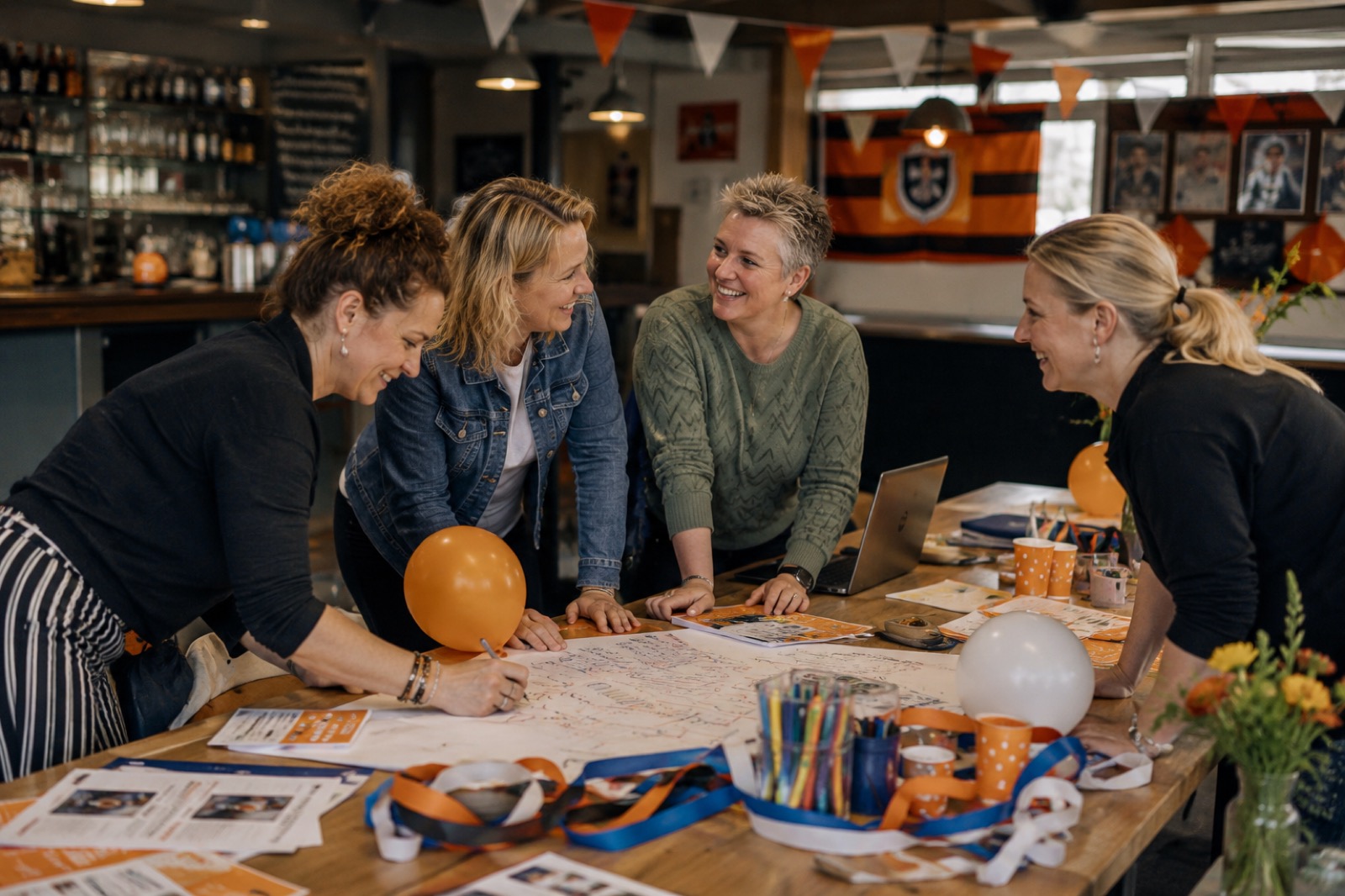
In the summer, the planner sets up the templates: the regular bar shifts, the kiosk at home matches and the cleaning on Fridays. The planner links the regular volunteers to their shifts and lets the kiosk rotate among the youth teams, then publishes the first few weeks.
On Thursday, a team manager sees in the portal that their team has the kiosk on Saturday. Two parents add their names. One of the bar volunteers drops out for that Saturday; the planner sees this and fills the spot. Meanwhile, who runs the line at the U11 match is already set. Nobody has to ring round on Friday evening.
The shifts that a team takes on were actually already working. Where I struggled was our regular volunteers. I want to schedule those people myself, and then they need to get the message themselves too. Not me on their behalf.
Result
Each kind of work sits with whoever organises it. The planner schedules the regular volunteers and leaves the shifts around home matches to the teams. The teams organise their own small jobs around the match. Everyone gets their own message about their own shift or duty. And because the rota is in Clubwize and not in someone's head, a new planner can simply take over next season.
Key benefits
- The planner schedules regular volunteers themselves, or lets them rotate fairly within a group
- Everyone gets their own email and push notification as soon as the rota is published
- Shifts only on days with a home match, optionally for one team
- Shifts rotate among teams playing at home that day, never during their own match
- Teams submit the names themselves in the member portal, with a reminder before the deadline
- Fruit, running-the-line and driving duties are set up automatically for each match
- Actions are linked to a role and move with it to whoever takes over that role
Share this story
Curious what Clubwize can do for your club?
Book a demo and find out how to make your club future-proof.