
In partnership with Lumosa
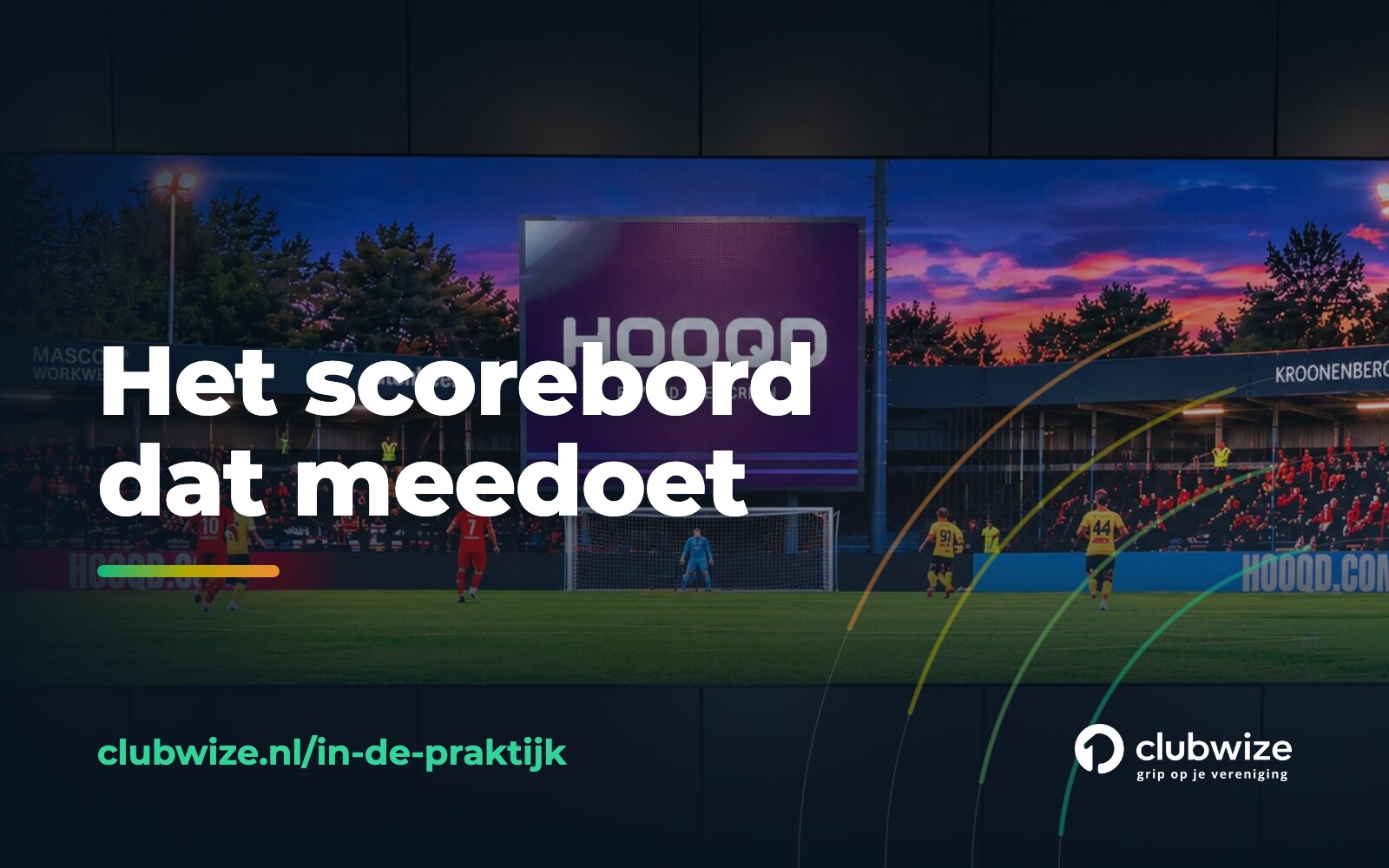
Club Wize links seamlessly with Lumosa floodlights via Meshlink — without you having to keep a second app open.
The challenge
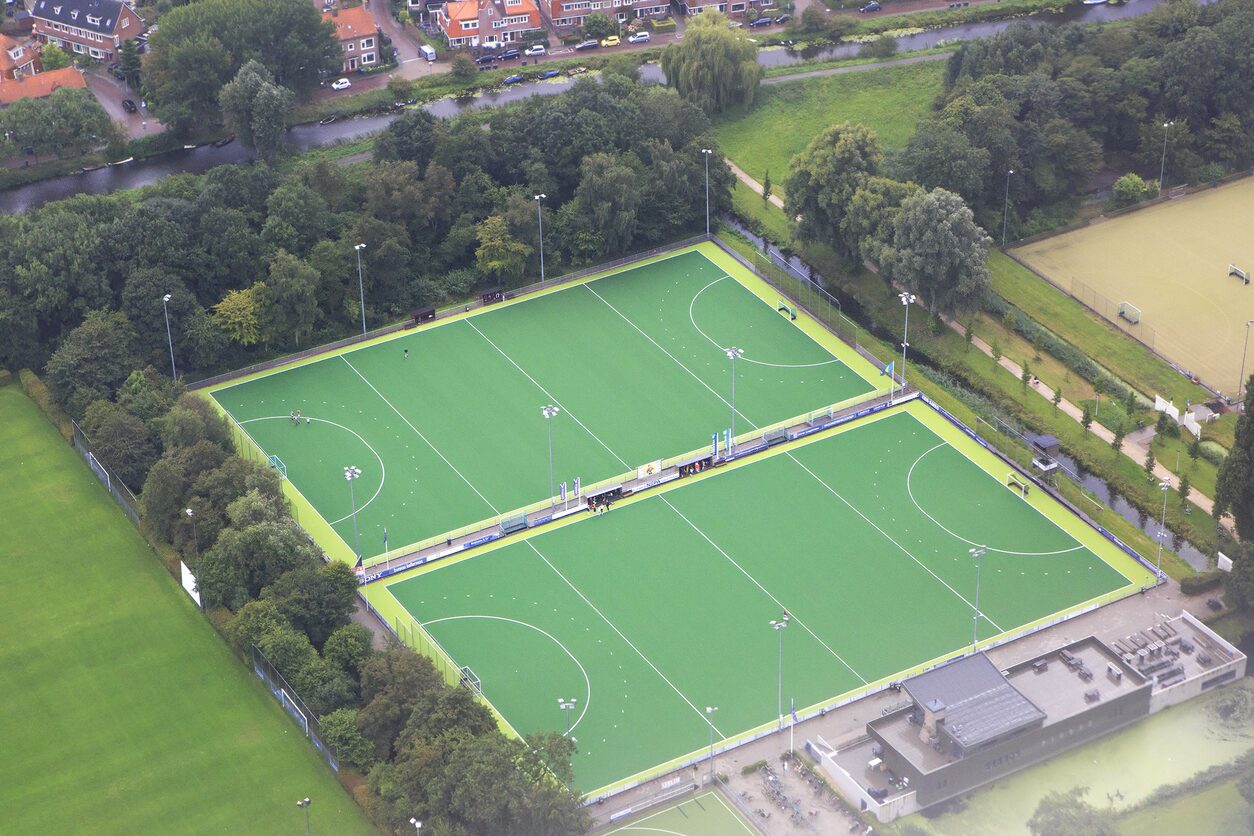
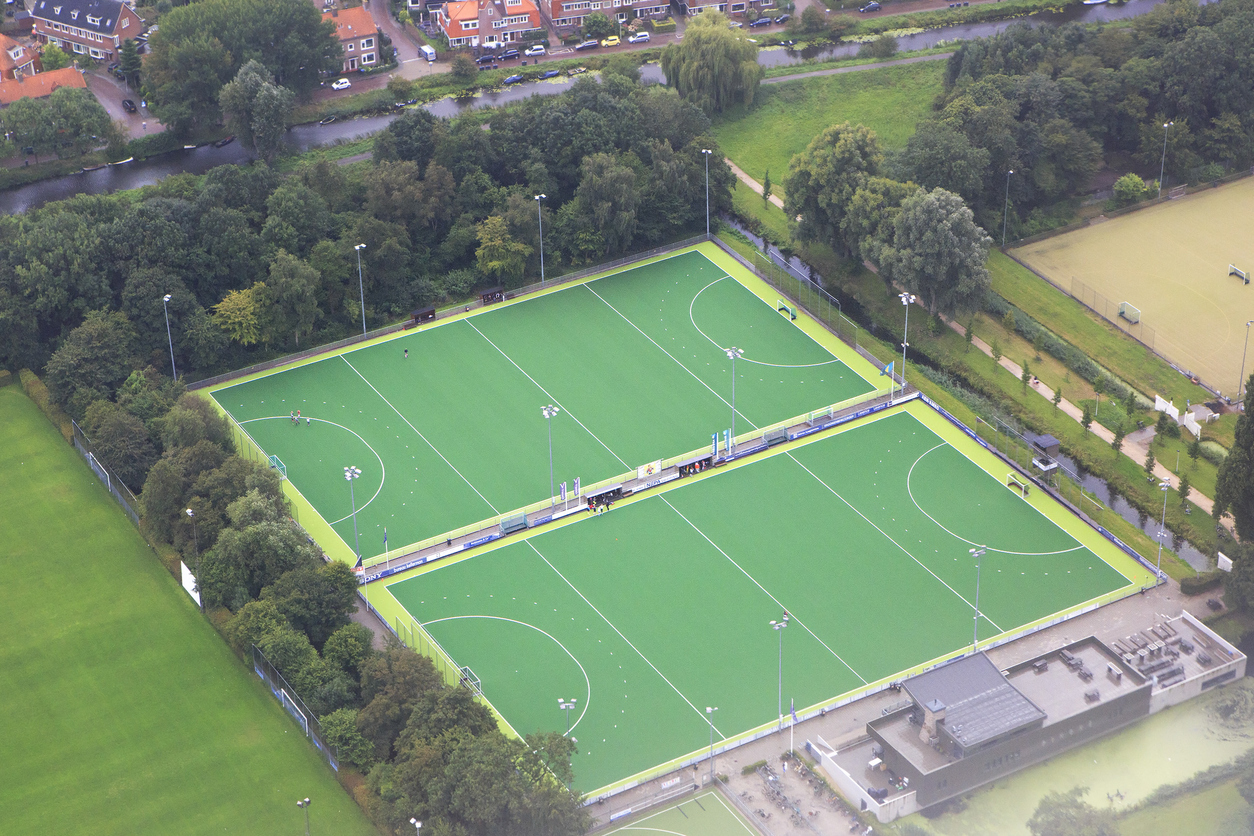
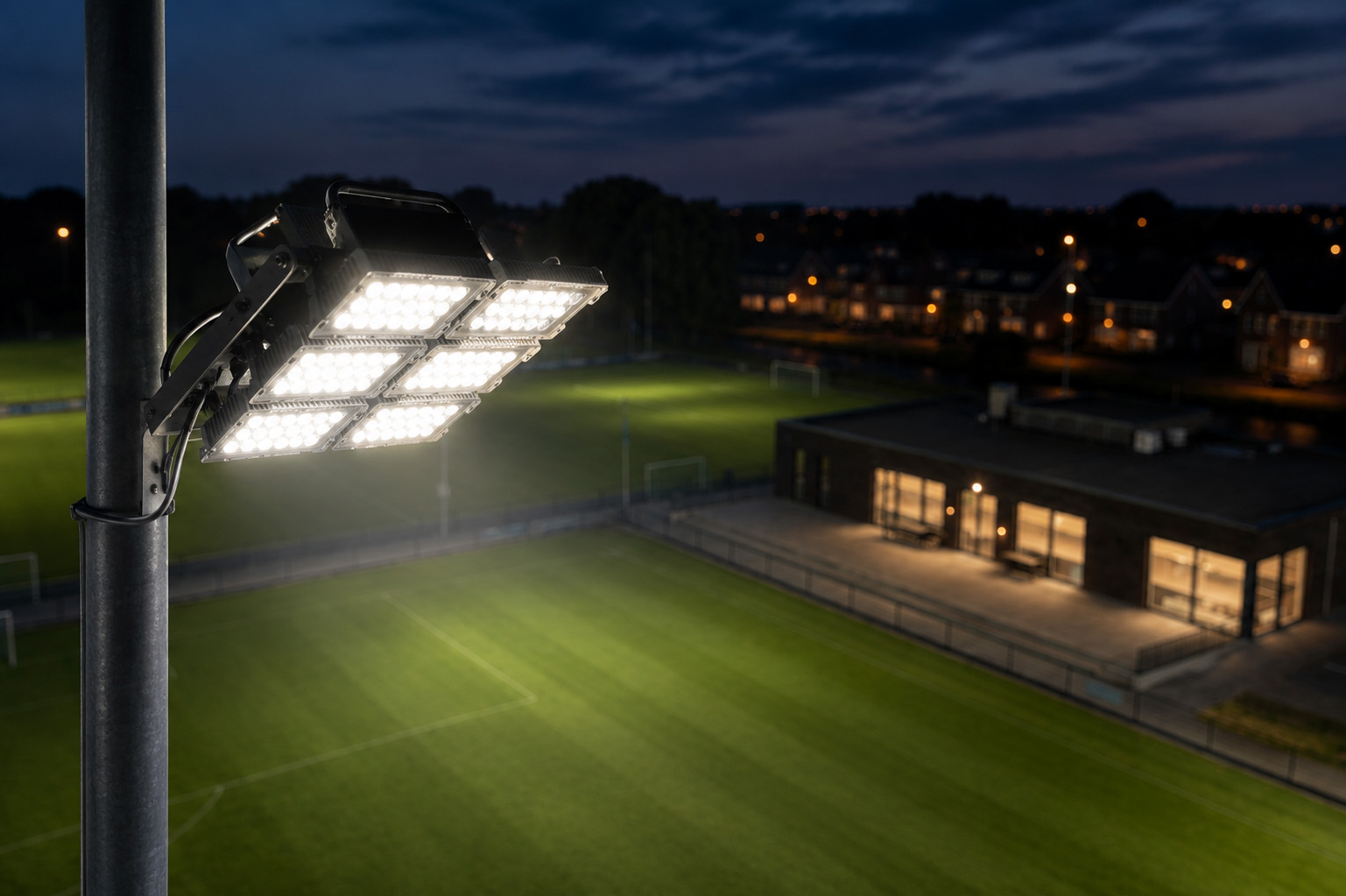
Playing sport in the evening means lights on. And lights on means consumption. At an average hockey or football club, the rows of floodlight masts easily burn four to six hours an evening, five evenings a week. A row of 800-watt masts left on fifteen minutes too long sounds harmless — but over a season those quarters of an hour add up to hundreds of euros and hundreds of kilowatt hours.
At the same time, the schedule changes all the time. A training session is moved, a match is called off because of rain, a pitch is shared by two teams one after the other. Trainers want the lights on, sometimes forget to switch them off after the last practice match, and the treasurer only sees where things went wrong when the quarterly bill arrives.
The solution: a link with Meshlink
More and more Dutch sports clubs have Lumosa floodlights controlled by Meshlink. Club Wize adds a monitoring layer on top: we show live what is on at each pitch, compare that with the schedule, and flag when lights are on without any activity scheduled. That makes the Club Wize schedule the source of truth against which the lighting is measured.
You activate the integration yourself: under Admin → Integrations you paste the API key from your Meshlink park, link your Club Wize locations to the matching pitches, and from then on a new screen appears under Facilities: Lighting.
Live status per pitch
One overview of all the pitches at the facility: which are on, which are off, and for how long. Refreshes every minute.
Waste detection
Are lights on without a training session or match scheduled? The system flags it automatically and tracks how long it has been going on.
Switching from the dashboard
Administrators can switch a pitch on directly at Walk, Training or Match level — or deliberately off. Including a confirmation window for switching off.
Full audit trail
Every switching action is recorded: who switched which pitch off, and when. No more "who was that?".
Switching — yes for administrators, not for trainers
The shape of this integration was driven by a real experience at a hockey club that had previously deliberately locked the Lumosa app for trainers. The reason: lights went on and off too easily without the person switching them having a view of the other pitches. A goalkeeper alone on a pitch, and the lights went out — not ideal.
That is why Club Wize separates the user groups. From the Lighting dashboard, a club administrator can control a pitch directly — switch it on in Walkway, Training or Match mode, or deliberately off — each time with an audit trail. Switching off also has a confirmation window ("there may still be players on the pitch"), because that is the action with the most impact if you get it wrong. Trainers do not get these buttons: clubs that do want their trainers to switch directly simply keep doing so via the Lumosa app or via Meshlink — that workflow stays intact.
Club Wize deliberately never switches lights on automatically. Switching on is always a deliberate action by a person, to avoid surprises on the pitch.
The schedule is the truth
The training and match schedule in Club Wize changes constantly. A forgotten cancellation, a training session that is called off, a match that ends fifteen minutes earlier than planned — that is exactly where lights are left on unnecessarily. By comparing the current lighting status against the schedule minute by minute, you can see what normally nobody notices.
In practice, those quarters of an hour turn out to recur structurally: a late evening training session that on paper ends at 22:00, while the lights routinely stay on until 22:30. Six times a week, thirty-five weeks a season. That is where the savings are — not in one big intervention, but in the sum of greater awareness.
Sustainability you can measure
For more and more clubs, floodlights are part of the sustainability and grant story told to the municipality and the federation. DUMAVA (Dutch sustainability grant) applications, general meeting presentations, accreditation processes — everywhere you are asked for figures. With the Meshlink link, Club Wize systematically builds up a log of mismatches between the schedule and reality. That data forms the basis for concrete savings targets and — in a next phase — kWh reports per pitch and per month.
We only saw how much light was burning unnecessarily when we saw it all together on one screen. Not one big miss, but dozens of small ones that add up. The board can now simply see what is happening — and, if needed, step in with one click.
What is still in the pipeline
The current integration is the monitoring layer — seeing what is happening and stepping in where needed. Next on the roadmap: automatically pushing the Club Wize schedule to Meshlink, so the lighting is not only monitored but also follows the schedule automatically. And a kWh reporting module that breaks down the savings achieved in euros and kilowatt hours per month — handy for the annual report and for the members' meeting.
Result
Clubs that activate the Meshlink link get three things at once: insight into consumption, a tool to step in quickly, and a board-friendly audit trail for the municipality or federation. No extra button for the trainer, no new app for the treasurer — everything in the place where the schedule, the members and the locations already are.
Key benefits
- Live status per pitch — see right away what is on
- Automatic detection of lights on outside the current schedule
- Administrators switch on at Walk / Training / Match or deliberately off
- Trainers can keep using the Lumosa app if they wish
- Full audit trail: who switched which pitch when
Share this story
Curious what Clubwize can do for your club?
Book a demo and find out how to make your club future-proof.