Integrations
Smarter connections, even simpler management
At Clubwize we believe in software that works for you, not the other way round. Does your sports federation use Sportlink, as in football, hockey, korfball and other sports? Or do you have smart pitch lighting from Lumosa? Then you can now connect it to Clubwize automatically.
No more hassle with separate systems, manual updates or double work. What changes in one system automatically appears in Clubwize too. You no longer have to retype anything, which saves time in day-to-day management.


Connects with the systems you already use



“A club runs on several systems. Instead of retyping data everywhere, Clubwize makes sure the right data ends up in the right place automatically.”
Our view on integrations
Available
Integrations you can use today
Eight integrations you switch on yourself under Admin → Integrations. Exact Online and Visma eAccounting follow soon, and we are still working on the integrations with Twelve and JOHAN Sports. You don't need any technical knowledge. Your supplier or federation (Sportlink, IJshockey Nederland, AllUnited, Meshlink, Mollie or your accounting package) gives you a few login details. You paste them in, and that's it. With Nevobo you simply look up your own club. With Korfbal.live it works the other way round: you get a key (a kind of password) and give it to Korfbal.live, so it may read your data.

Accounting integration with AFAS
For clubs that keep their books in AFAS
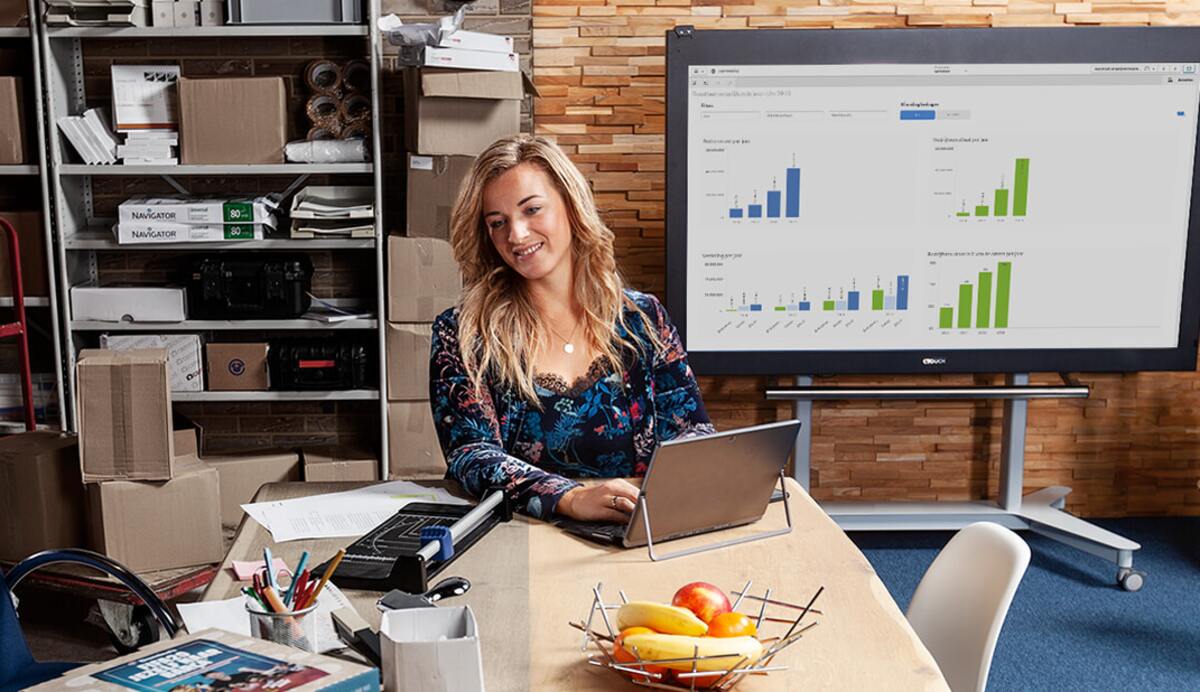
Sent invoices go into your AFAS records automatically, and your contacts come across from AFAS. Once an invoice is paid in AFAS, you see that in Clubwize too.

Member changes from AllUnited
For clubs of any sport using AllUnited
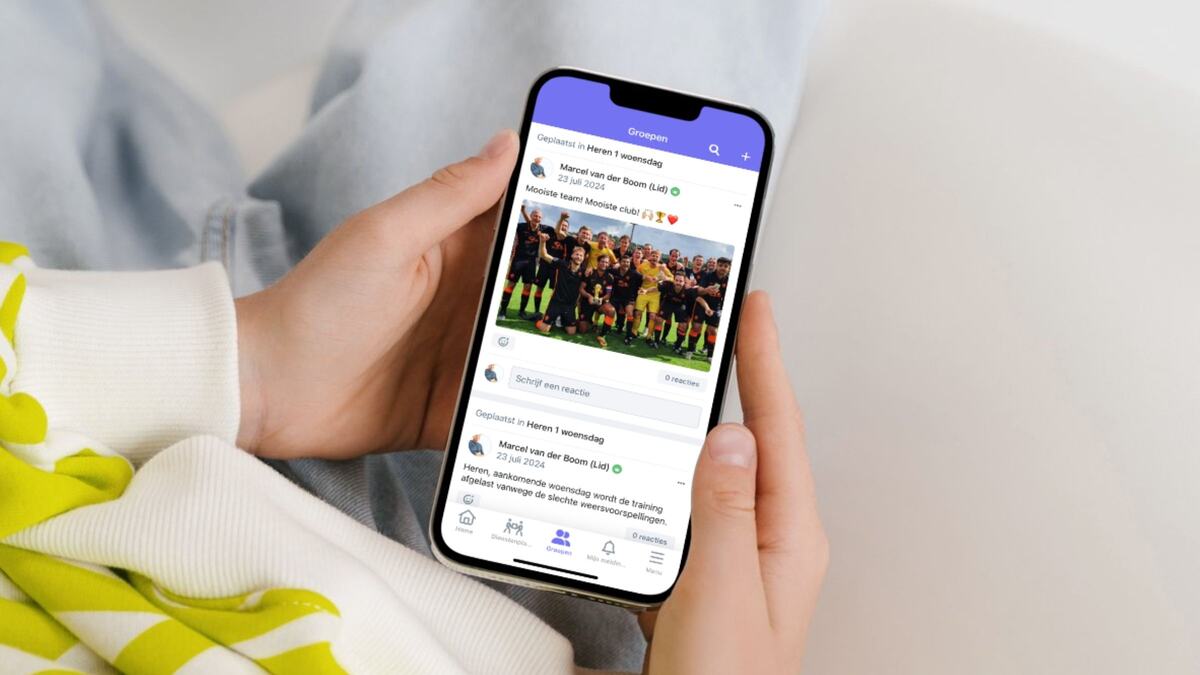
Clubwize fetches the member data from AllUnited every night. In the morning you choose per member what you take over.
- Only fixed details, such as name, address and team. Never notes
- Clubwize only reads: nothing changes in AllUnited
Membership fees stay in AllUnited.

Your club camera films by itself
For sports clubs with a BeExact club camera
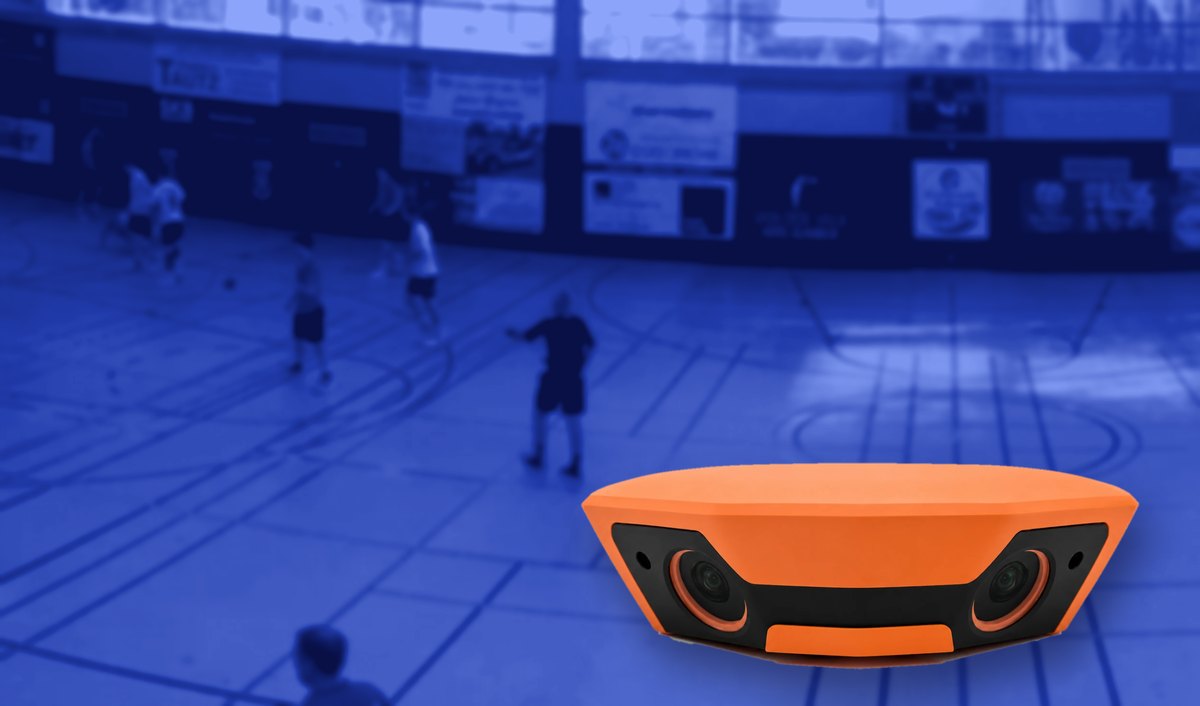
Soon, the camera will switch on and off by itself at the times of your matches and training sessions, just like the scoreboard. You will no longer need to operate it by hand.
- You turn it on per team: only the teams that film take part
- Player data comes back into the player file
- You can show the footage as a replay on the scoreboard, or add it to the match report


Membership fee collection via ClubCollect
For clubs that collect membership fees through ClubCollect
Automatic payment requests, reminders and direct debits. Members choose how they pay, and the treasurer only sees what is still outstanding.

Your scoreboard follows the match by itself
For sports clubs with a display or LED screen connected to a computer
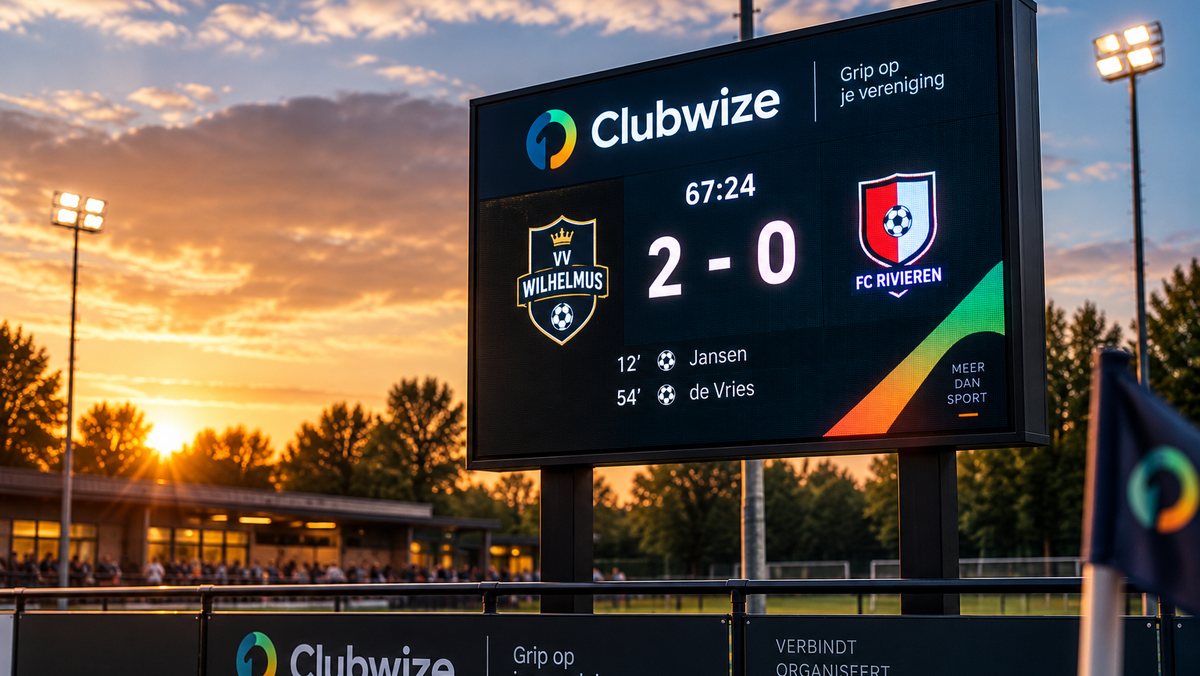
The coach keeps track of the match in the app, and the scoreboard by the pitch automatically shows the score, the clock and the goals. In your club colours, with your logo and a strip for your sponsors.
- You need a screen or LED display with a computer behind it; a small program runs on it
- You connect a screen yourself, in a few steps
- An add-on module at € 20 per month, all screens included
You download the program for the screen under Admin → Integrations, for Windows and Linux.


Payment status from e-Boekhouden.nl
For clubs that keep their books in e-Boekhouden.nl
Clubwize adds your sent invoices to e-Boekhouden.nl as sales invoices. Every few hours it checks whether they have been paid and then marks them “paid” automatically.
- You connect it yourself with an access code
- Clubwize only adds: it changes nothing in your accounts or bank entries


Payment status from Exact Online
For clubs that keep their books in Exact Online
Soon Clubwize will add your sent invoices to Exact Online as sales invoices. Once an invoice is paid there, it is automatically marked “paid” in Clubwize too.
- We set it up together with your club
- Clubwize only adds: it changes nothing in your accounts or bank entries
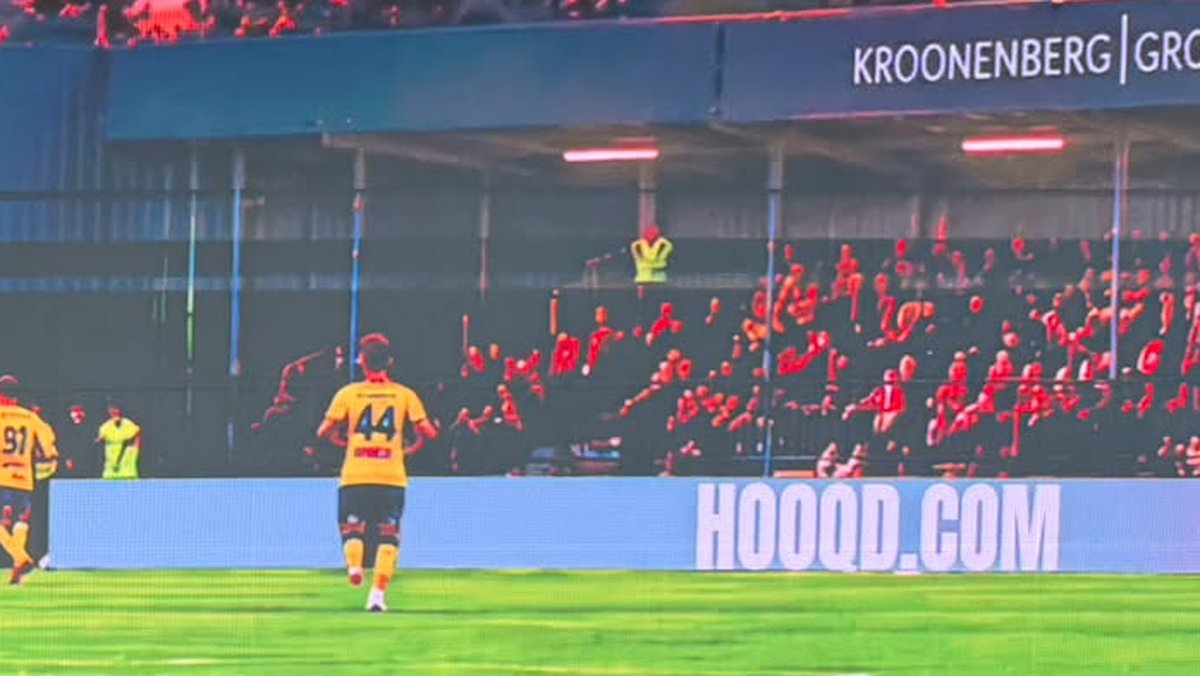

HOOQD
LED scoreboards for sports grounds
HOOQD supplies LED scoreboards and LED advertising boards for sports clubs, to buy or lease. What appears on the board, you arrange in Clubwize with Clubwize Cast.
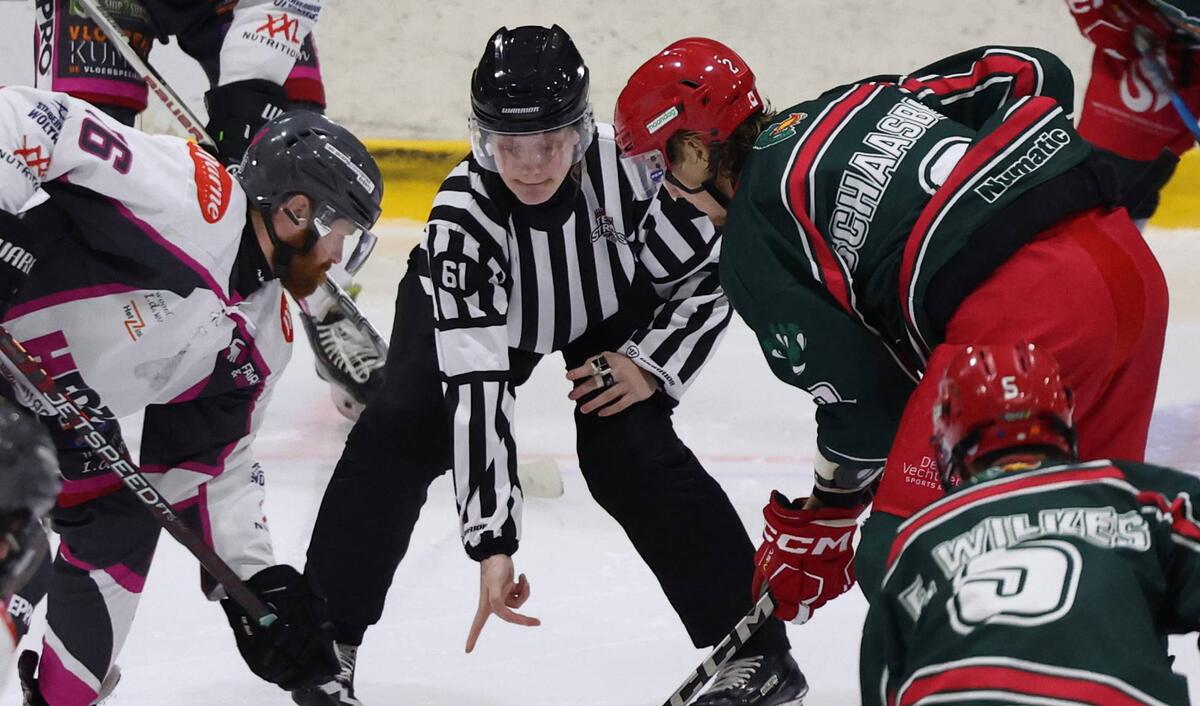

Matches from IJshockey Nederland
For ice hockey clubs
Fixtures, results and standings come in automatically every night, and results and start times are updated during the day. Only teams you confirm get matches.
- If the federation hides the youngest age groups, so does Clubwize
IJshockey Nederland provides the matches, not your members.
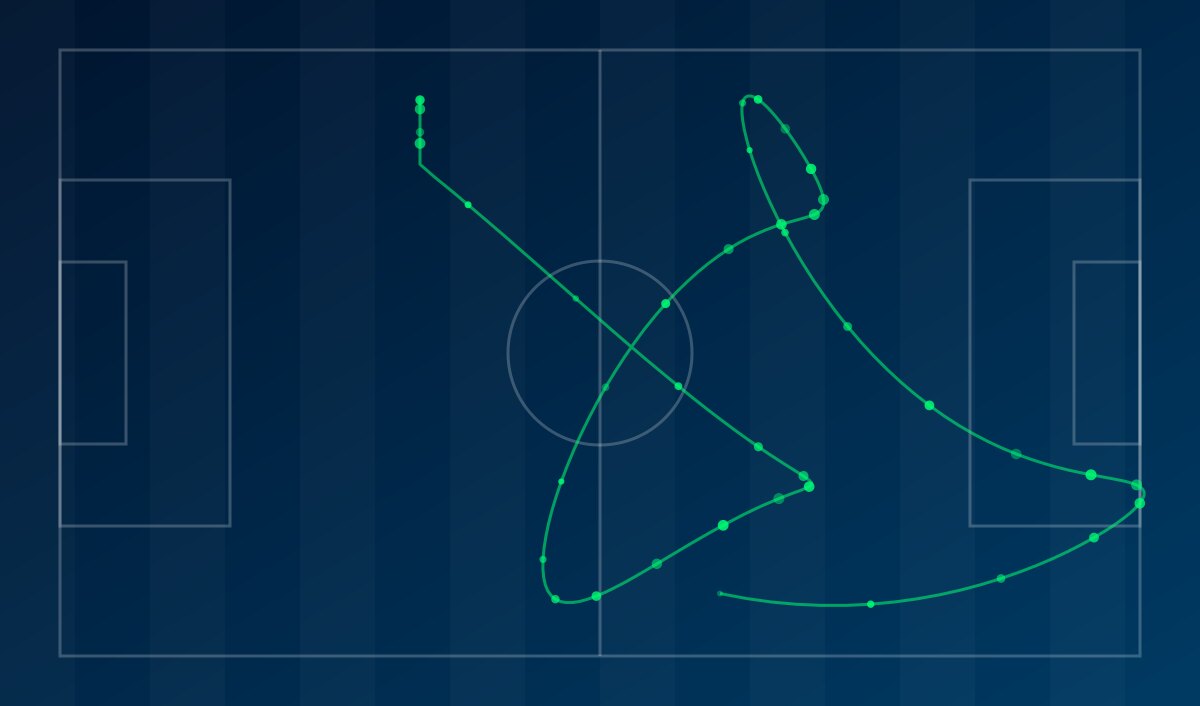

GPS and heart rate from JOHAN Sports on the player's profile
For sports clubs that measure with JOHAN Sports
Clubwize reads the measurements from JOHAN Sports every morning. For each training session and match, the player file shows how far a player ran, how fast and at what heart rate.
- Coaches see their own players' measurements in the app, but only if the club switches this on
- Clubwize only reads: nothing changes in JOHAN Sports
For each team you create a key (a kind of password) in JOHAN Sports and paste it into Clubwize.
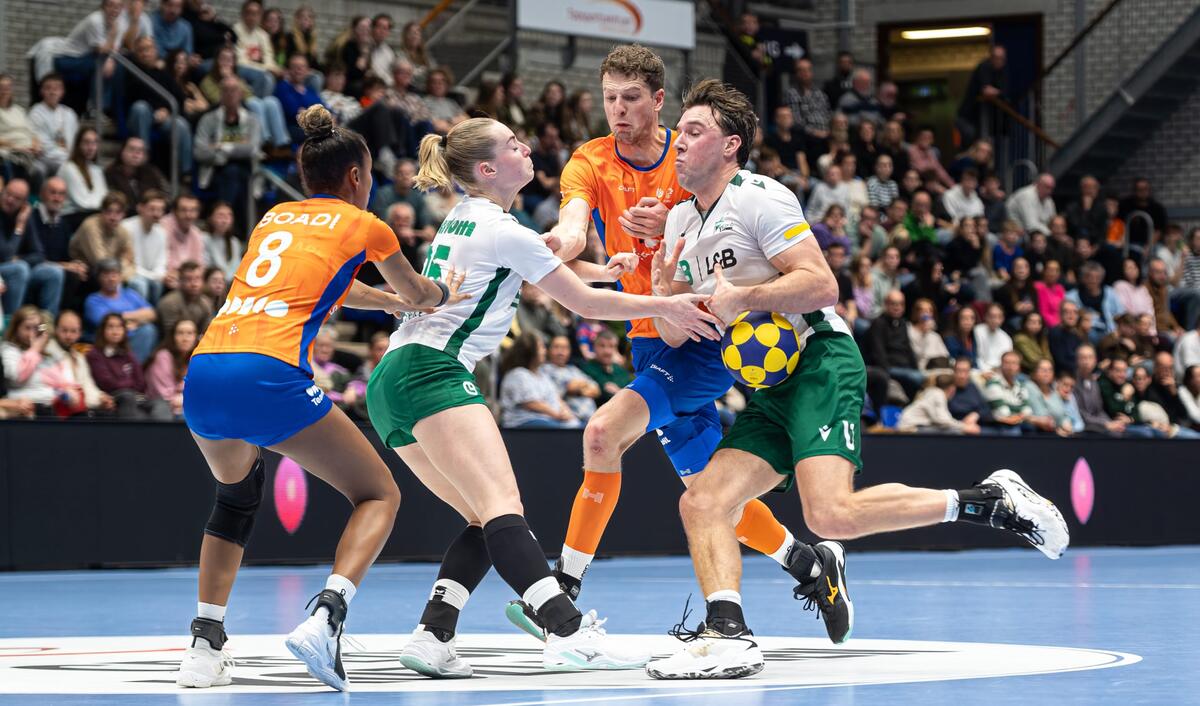

Your teams on Korfbal.live
For korfball clubs
Korfbal.live uses your teams, players and matches from Clubwize and can only read. You choose whether players are shared with their full name, their initials or without a name.
- Anyone who didn't give consent is always shared without a name
- Below the match report you'll find the button View on Korfbal.live
Coaches and team staff are never shared.
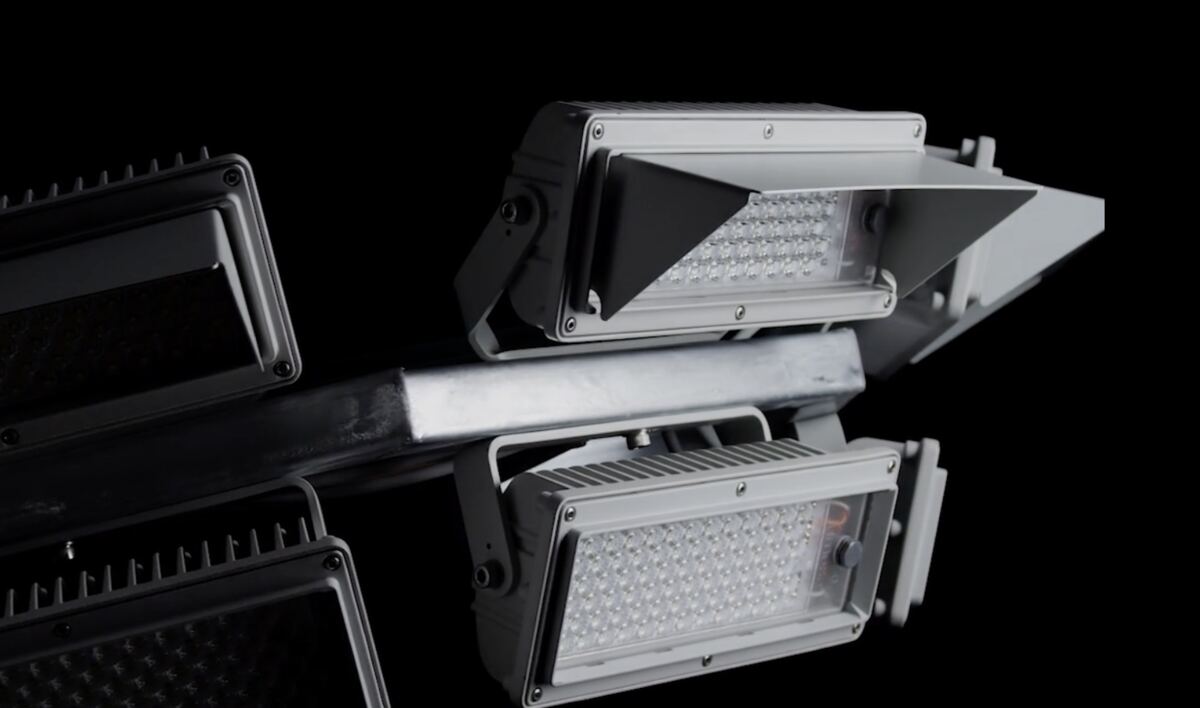

Lumosa
Lighting for sports grounds
Lumosa supplies LED lighting for sports pitches and padel and tennis courts, and helps with modernising and making them more sustainable. You control it in Clubwize via Meshlink.
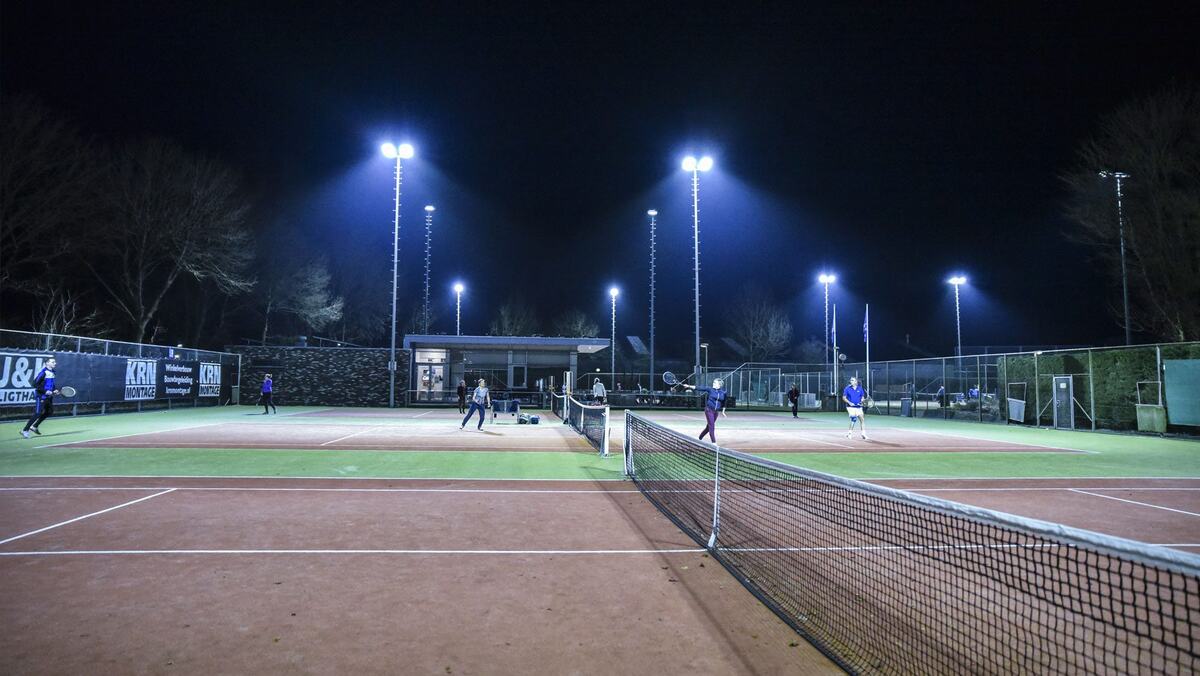

Pitch lighting via Meshlink
For clubs with pitch lighting on Meshlink
For each pitch you see live which lights are on, and lights left on by mistake are flagged straight away. From the dashboard you choose dimmed, brighter or full light.
- Switching off always asks for confirmation
- Wasted light as evidence for subsidy applications (such as DUMAVA)


iDEAL and online payments
Through your own Mollie account
Every invoice has a payment link, and the money goes straight into the club account. Paid invoices show up in your invoice overview automatically.
- Pay by iDEAL, credit card or direct debit
- You pay transaction fees to Mollie, with no mark-up from Clubwize
Also available: digital invoices (UBL) and SEPA direct debit for members with a mandate.
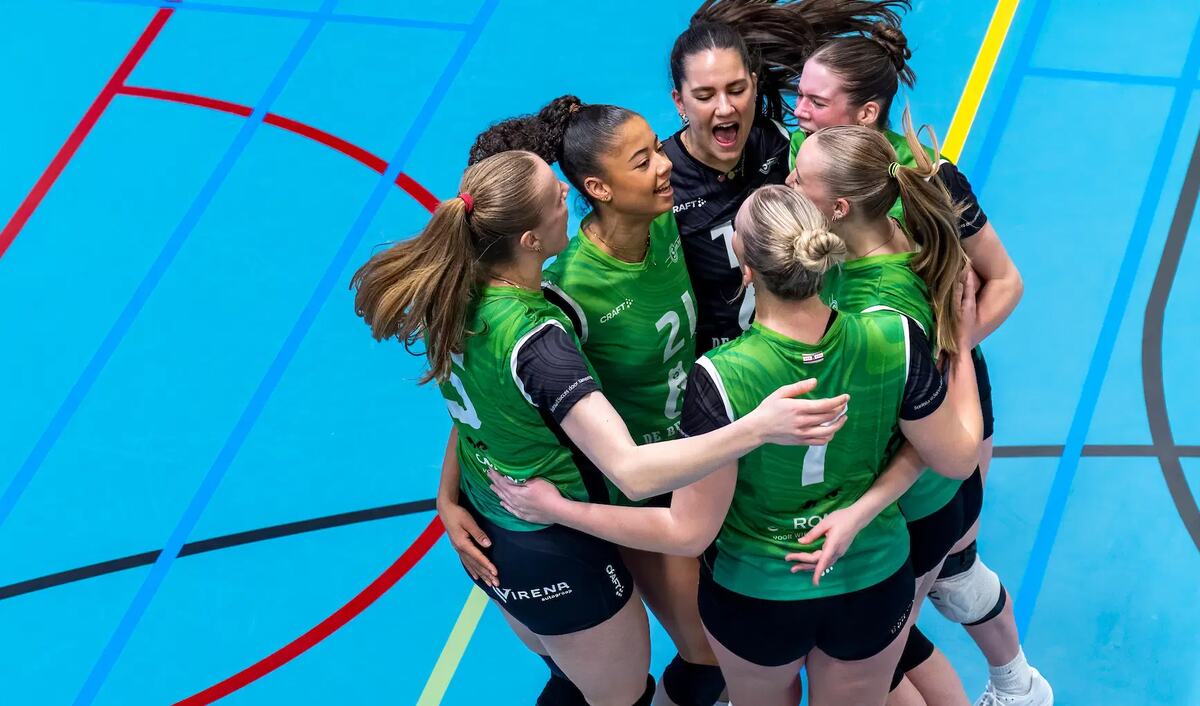

Volleyball matches from Nevobo
For volleyball clubs (indoor league)
Fixtures, results and pool standings come from Nevobo automatically. You look up your club and confirm which teams are yours.
- Standings and results in the portal and as a widget on your club website
Your members still come from Sportlink; Nevobo provides the matches.


Membership fee collection via NIKKI
For clubs that outsource fee collection
You hand over membership fee collection entirely. Members pay in one go or in instalments, and the club gets paid out every week.
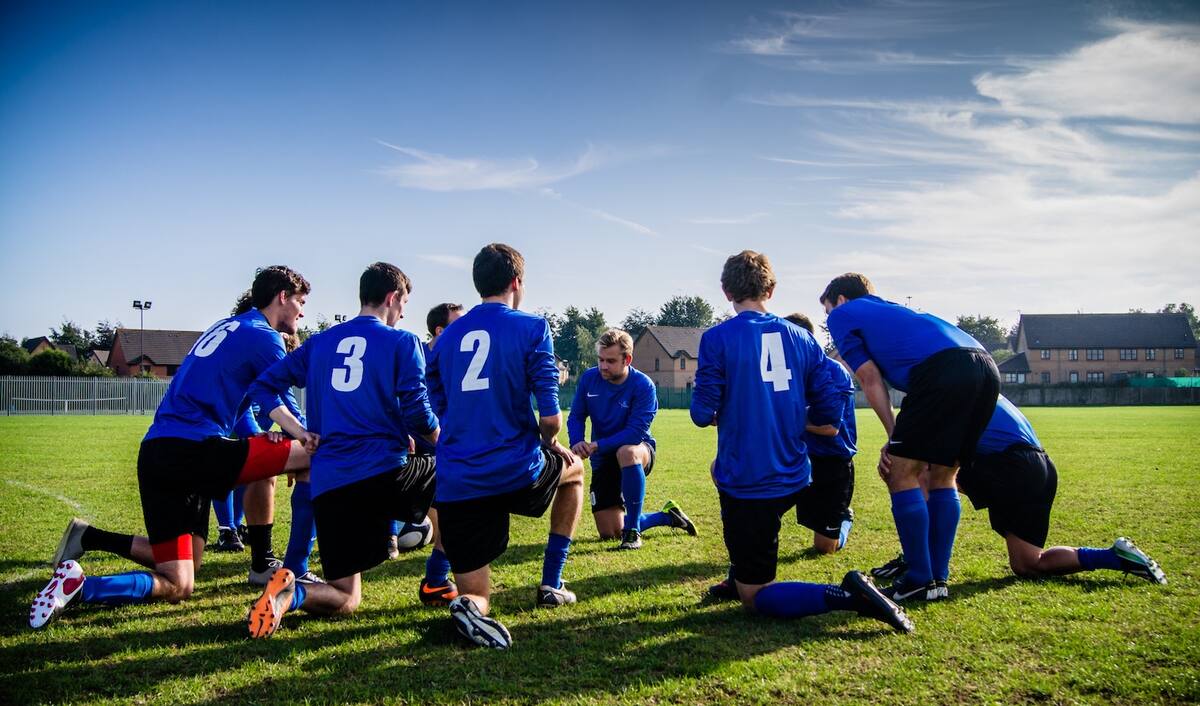

Members and matches from Sportlink
For football, hockey, korfball and more
New members, team changes and cancellations come in automatically every night. In the morning you decide what happens with them and fill in what's missing.
- Fixtures, results and standings on your team pages and club website
- You record parents and carers yourself in Clubwize
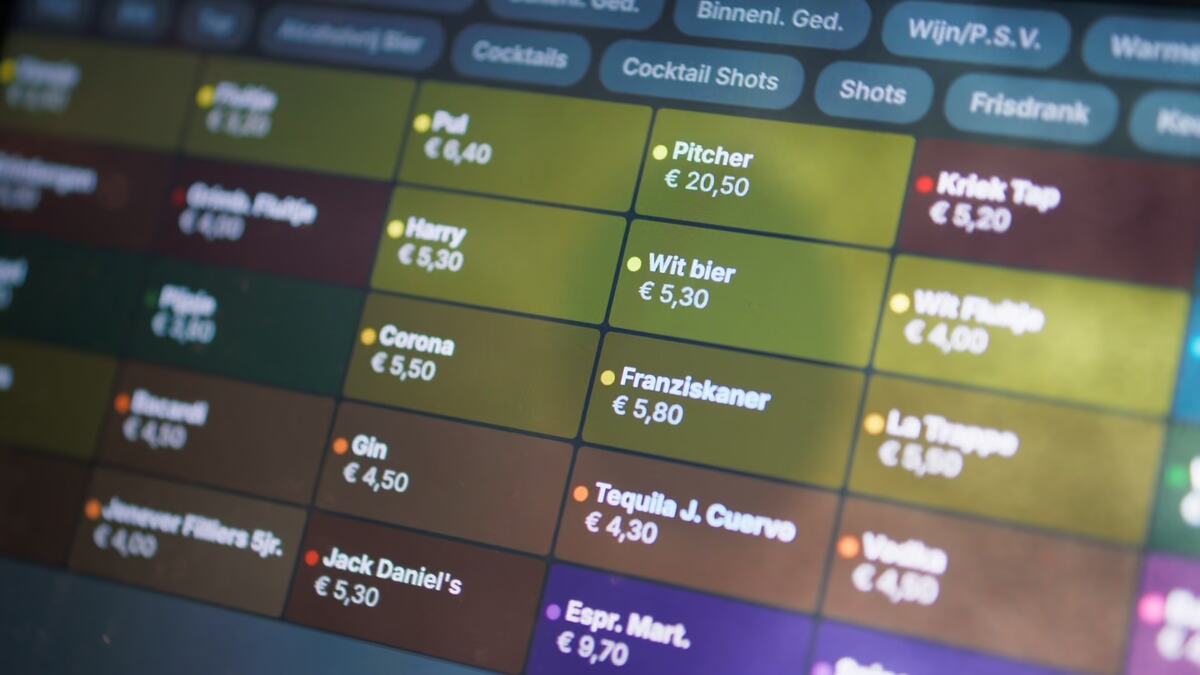

Twelve till credit on the member's profile
For clubs and organisations with a Twelve till
“How much is left on my child's card?” You see it on the member's profile, without logging in to Twelve.
- Only the member and authorised administrators see the credit
- Clubwize only reads: nothing changes in Twelve
Daily till revenue for the treasurer is coming.


Payment status from Visma eAccounting
For clubs that keep their books in Visma eAccounting
Soon Clubwize will add your sent invoices to Visma eAccounting as sales invoices. Once an invoice is paid there, it is automatically marked “paid” in Clubwize too.
- We set it up together with your club
- Clubwize only adds: it changes nothing in your accounts or bank entries
Under the bonnet
Safe connections, with you in control
An integration with another system means sharing login details. We handle them with care. They are stored encrypted, you can always see what was retrieved, and you can disconnect at any time.
Also important: you decide when you connect and which supplier you let in. We never quietly switch anything on in the background.
Switch it on yourself, no technical help needed
Go to Admin → Integrations. Paste the access codes you received from Sportlink or Meshlink, click “Test connection” and connect. You can disconnect in the same place.
Login details stored securely
The login details you get from your supplier are stored encrypted. They are not visible anywhere, not even to our developers.
Always see what happened
The history shows which players were added or removed, and which pitch was switched when and by whom. During an inspection, or if something doesn't add up, you have the evidence right at hand.
Our principles
How we think about integrations
Not every integration is a good integration. That's why we stick to three rules, even when a supplier would like it otherwise.
Time saved for volunteers
An integration should genuinely take work off your hands. Changes from Sportlink are waiting in your member list in the morning, so you no longer need to export every week. For a board of volunteers, every minute saved counts.
You stay in control
Changes arrive as a proposal, not as a done deal. Incomplete data is clearly flagged, so you know what you still need to add. Nothing enters your records unseen.
Manual still works
No integration, or is the supplier down? Importing a CSV file and entering data by hand keep working as usual. An integration is handy, but not required.
Ready to connect your systems?
Try Clubwize free for thirty days and connect your Sportlink or Meshlink account yourself in a few minutes.