The challenge
The scoreboard is there, the sponsors are on it and on Saturday the sports ground is full. But anyone looking along the pitch often sees a black board. At many clubs, the causes are the same:
- The iPad that controls the board isn't charged.
- Nobody remembers the iPad's code.
- The iPad isn't there. A team manager took it home, and it's anyone's guess whether it will come back in one piece.
- The logos on the board look messy: with a white border, too small or right up against the edge.
The result: the board stays off, or a volunteer is still typing in names and times just before kick-off. A waste of the board, and a waste for the sponsors on it.
No separate iPad: the coach keeps track of the match
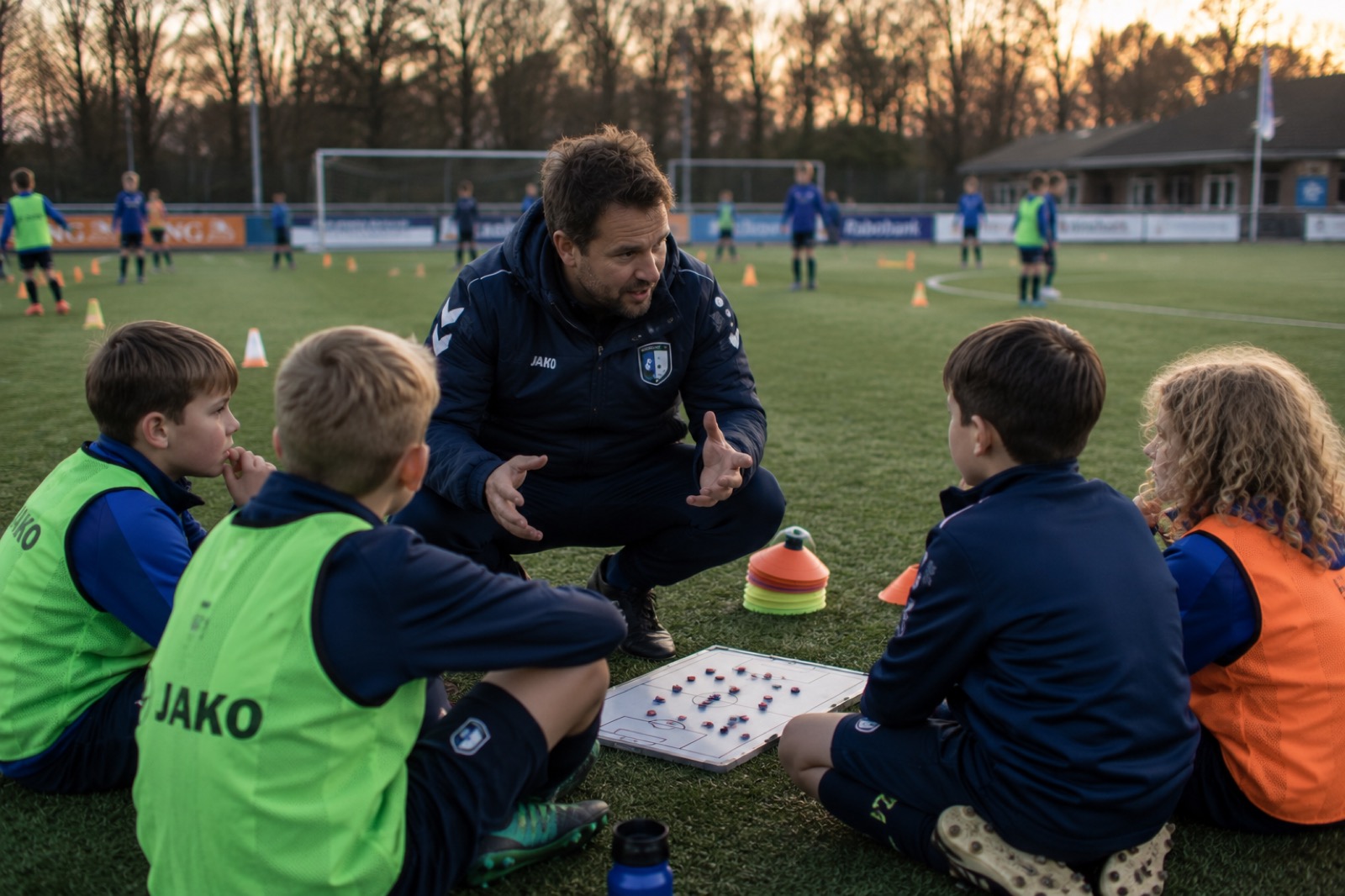
The coach, the trainer or the parent on duty keeps track of the match in the Clubwize Members app, on their own phone. The app is available for iPhone and Android. A goal, a card or a substitution appears on the board straight away, along with the score and the clock. There is no device to lose or run out of battery, and no shared code to remember: everyone logs in with their own account.
Download the Members app


Prefer the classic way, with someone at a table by the pitch? That works too. With the Admin app on an iPad, or on a computer via clubwize.nl, you operate the board yourself: you enter goals, cards and substitutions and stop the clock.
Prefer to run it from an iPad? Download the Admin app
The big advantage? Nobody needs to stand by the board any more. The coach keeps track of the match in the app and the score appears on the screen straight away, for youth matches too. That makes an ordinary Saturday feel just a little like a stadium day.
The programme and the logos appear automatically
The board gets today's matches and kick-off times from Clubwize, and Clubwize gets them from the link with your sports federation. Nobody has to retype them. You can see which links are available on the Integrations page. The board itself picks the home match on its pitch that is playing now or starts next. If you want to show a different match on the main pitch, you pin the board to that match.
The logos of both teams come from a shared collection of club logos. For the scoreboard, Clubwize makes a separate version: cropped to the logo itself, without a white border, and neatly centred in its box. That way every logo is the same size, whether the club is playing at home or away.
A board that looks polished
For the scoreboard layout, you choose from set designs for each screen, such as Classic and Stadium. A photo of your own sports ground behind the score and the clock is also possible.
Before kick-off, the board can introduce the home team: the players one by one, with photo, shirt number and name. First the starters, then the substitutes. Anyone without a photo or who may not be shown gets a card with the club logo. You choose per screen whether you want this.
More visibility for your sponsors
The board has a strip for sponsor banners. For each banner you choose which screens it runs on and for what period, and whether it is always visible or only around the home matches of the teams you select. One sponsor can have their logo next to the clock for the whole match: the scoreboard sponsor. Between matches, the board shows the day's programme, alternating with full-screen advertising.
The screen counts how often and for how long a banner was shown, and you can see this per banner. You can simply show that to a sponsor. That way, the scoreboard can become an extra source of income for the club.
On when it needs to be, and an alert if it drops out
For each screen, you set when the display is on: on, off or on a schedule. On a schedule, the board switches on automatically around a match. If a screen drops out while a match is on it or about to start, the club gets a push notification in the Admin app and an email. And another one when the screen is connected again.
What's on the board stays up to date
The programme, the score, the logos and the sponsors come straight from Clubwize. If anything changes, it appears on the board straight away.
For the computer by the board, we have described a standard setup. In it, Windows, Edge and Defender fetch their own security updates at night, so no restart happens in the middle of a match. The scoreboard program connects to Clubwize itself; nobody can access the computer from outside. You can read more about how we handle security on the Security page.
How it works in practice
On Saturday morning, the board switches on at the set times. It shows the day's programme, with the kick-off times and the logos of both teams, and the sponsors in between. Before kick-off, the board introduces the home team. The coach starts the clock in the Clubwize Members app, and every goal appears on the board straight away, for youth matches too. After the final whistle, the final score stays up for a while, then it's the next match's turn. Nobody has had to look for an iPad.
Together with HOOQD
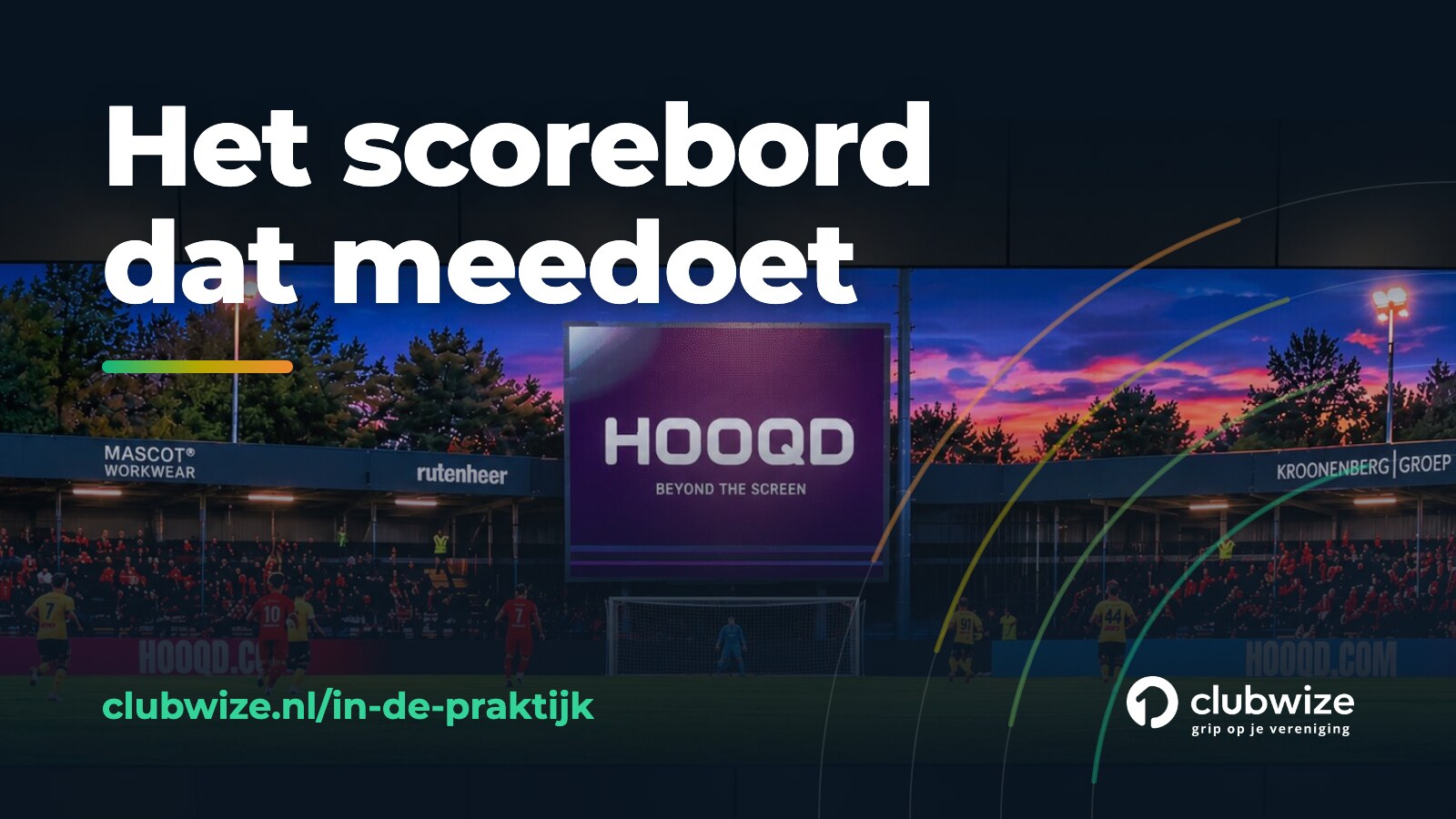
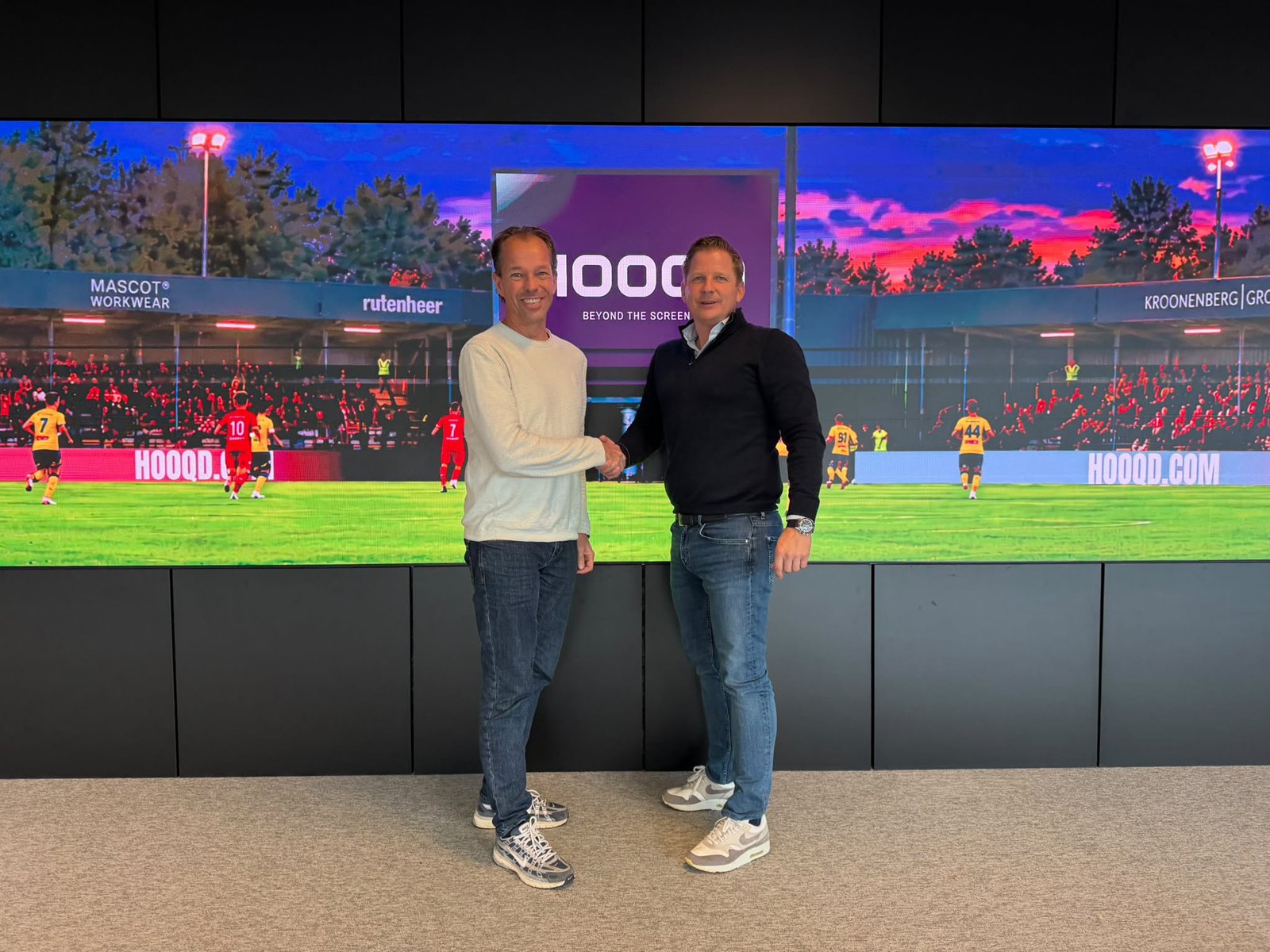
Clubwize does not sell screens itself. For the LED scoreboard, we work with HOOQD from Didam, which supplies LED scoreboards and LED advertising boards to sports clubs. HOOQD provides the board, Clubwize what appears on it. You can read how this partnership began in Clubwize and HOOQD join forces.
Prefer everything on paper? The leaflet about the HOOQD and Clubwize scoreboard is at clubwize.nl/media.
Result
The scoreboard is on when there's a match. The score follows what the coach enters in the app, the programme and the logos appear automatically, and sponsors get a spot where they can see how often they were shown. No more missing iPad, and no volunteer still typing in names just before kick-off.
Key benefits
- The coach keeps track of the match in the Clubwize Members app (iPhone and Android); the board shows the score, clock, goals, cards and substitutions
- No separate iPad needed; if you still want to operate it from a table, use the Admin app on an iPad (App Store) or a computer via clubwize.nl
- Matches and kick-off times come from the link with your sports federation
- Club logos in a separate version for the scoreboard, the same size and centred
- A layout of your choice, such as Classic or Stadium, and a line-up introduction with photos before kick-off
- Sponsor banners, a scoreboard sponsor and full-screen advertising, with counts per banner
- Display on, off or on a schedule, and a message to the club if a screen drops out around a match
Share this story
Curious what Clubwize can do for your club?
Book a demo and find out how to make your club future-proof.