Clubwize for your role
Webmaster
Teams and matches appear on the website without you updating them.
Teams and matches are already in Clubwize, so the website shows them automatically. You decide how it looks.
How one club does it: From an outdated club site to a website that keeps itself up to date
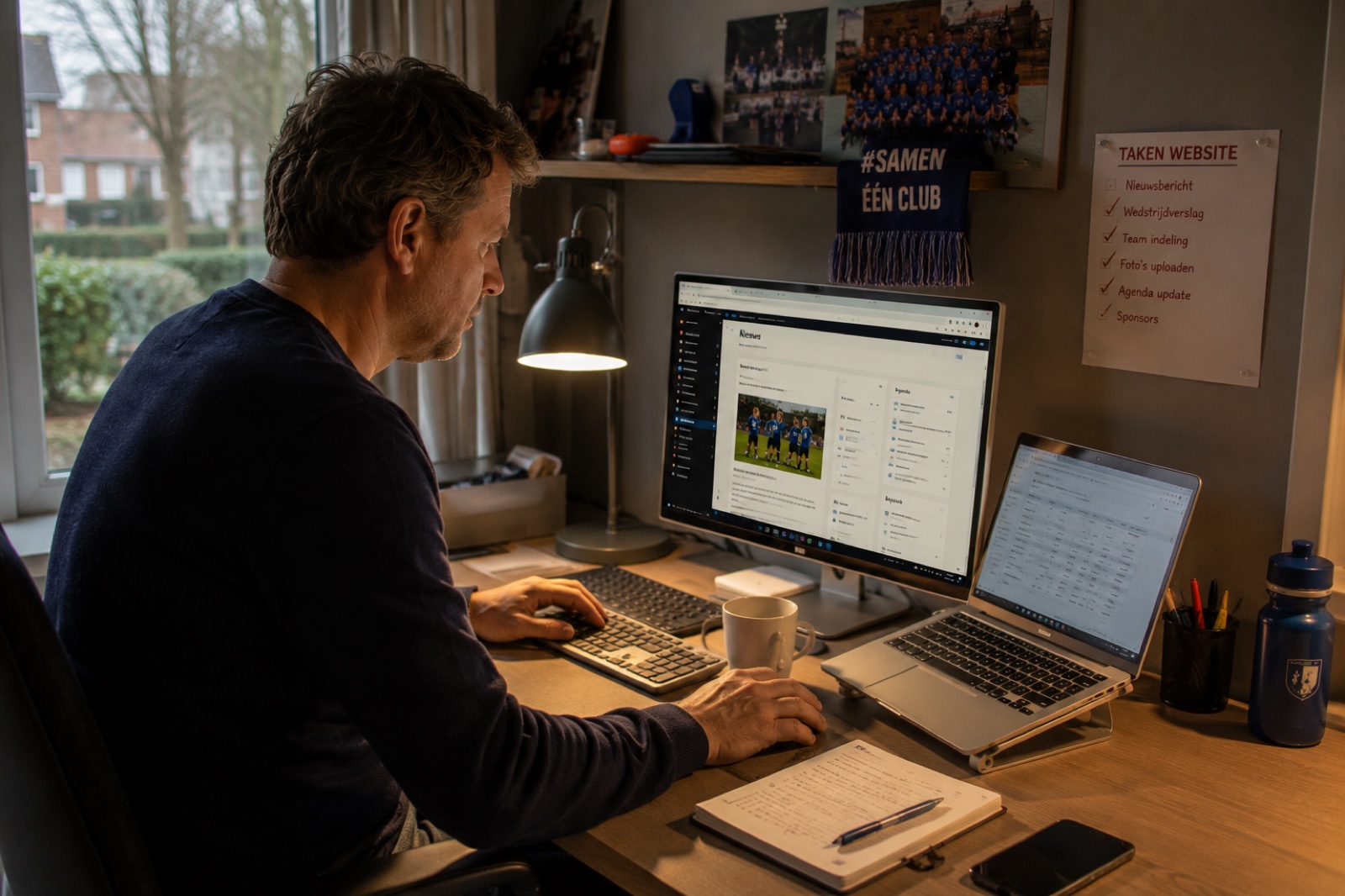
From now on, this is taken care of
Team pages update themselves
Teams and matches are already in Clubwize, so the team page automatically shows the current line-up. You never have to retype a change.
Standings and results are live
Fixtures, standings and results from the federation league appear as a block on your website and update themselves. No integration or plug-in is needed.
The team sponsor appears automatically
Every team photo automatically shows that team's sponsors. What the sponsorship committee agrees appears on the website without you placing any logos.
The parts you use for this
You don't have to set everything up at once. Start with whatever takes the most time now.
Website
Build pages from blocks, with no technical knowledge. Teams, news and standings come along automatically.
House style
You set the website's colours and logo once. The club logo carries through to your emails too.
Portal
The place where members see their own details and calendar.

Shall we go through it together?
In a short demo we walk through your work, based on the situation at your own club.